
Free Symmetry Drawing Sheet | Year 4 Core | BookFlik
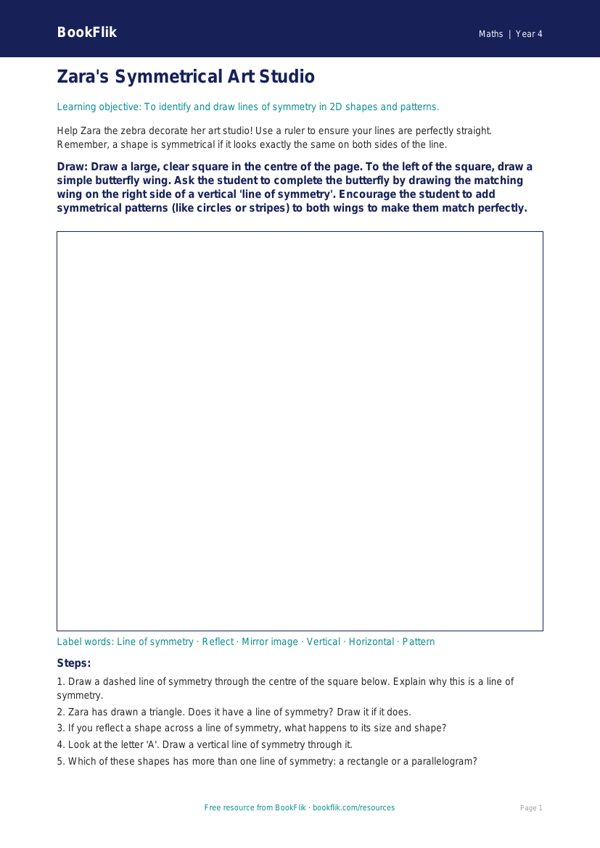
Boost your classroom confidence with our brand-new Maths symmetry drawing sheet year 4 core resource. Designed specifically for Year 4 pupils, this engaging activity helps children master the concept of reflective symmetry in a fun and creative way. By using Zara the zebra, our artistic character who spots patterns in everything she sees, students are guided through the process of completing symmetrical shapes and patterns across a mirror line.
This Maths symmetry drawing sheet year 4 core pack is perfectly aligned with the UK National Curriculum for Year 4, which requires pupils to identify, describe and represent the position of a shape following a reflection. The resource encourages children to use their spatial reasoning skills to draw the missing halves of 2D shapes and intricate geometric designs. As they work, they will develop a deeper understanding of how shapes can be mirrored accurately, a fundamental skill in primary geometry.
Teachers can use this versatile worksheet as an independent starter activity, a guided maths station, or even as a homework task to reinforce learning. The resource is clearly labelled as a core level task, ensuring it is pitched exactly at the expected standard for Year 4 learners. It provides the perfect balance of challenge and support, allowing pupils to practise their precision with a pencil while exploring the beauty of mathematical balance.
Our Maths symmetry drawing sheet year 4 core includes five to seven questions that range from simple shape completion to more complex pattern design. By incorporating these exercises into your weekly lesson plan, you provide your class with the opportunity to apply their knowledge in a practical, hands-on format. Download this free, high-quality resource today to help your students gain fluency in symmetry and boost their overall mathematical confidence. It is a fantastic way to bring the abstract concepts of geometry to life in a way that is both educational and enjoyable for every child.
Preview the worksheet
If the preview does not load, open the PDF in a new tab.