
Free Binary Writing Frame | Year 5 Core | BookFlik
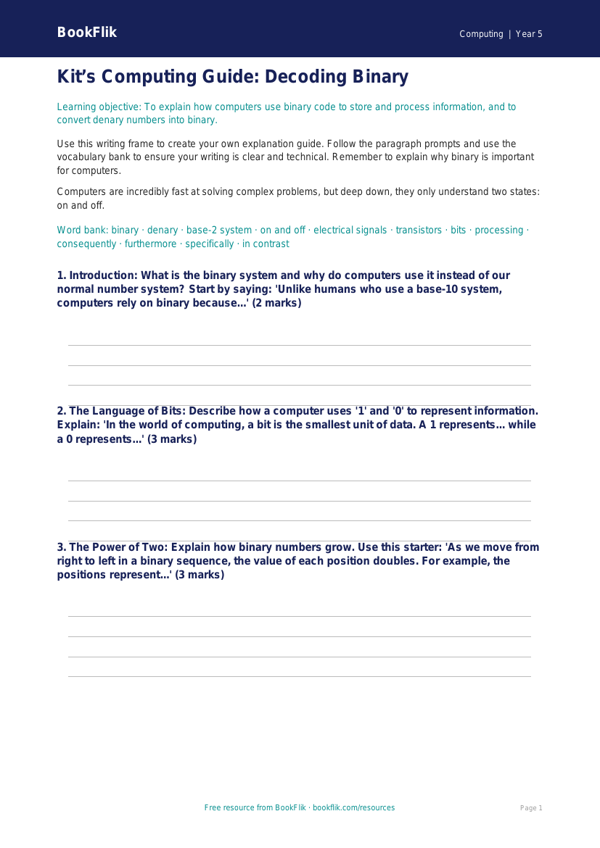
Unlock the secrets of how computers think with our free Computing binary writing frame year 5 core resource. Designed specifically for Year 5 pupils, this helpful writing frame provides a structured way for students to explain how computers use binary code to store and process information.
In the UK National Curriculum for Computing, children are expected to understand that computers operate using binary, a system of only two digits: 0 and 1. This resource helps students break down complex concepts into manageable steps. By using this Computing binary writing frame year 5 core, learners will practise converting denary numbers into binary, explaining how switches work as “on” or “off” signals, and describing how text and images are represented digitally.
Teachers can use this template during whole-class instruction, as a guided task in small groups, or as an independent activity to consolidate learning after a practical lesson. It is perfect for scaffolding the writing process, ensuring that students use the correct technical vocabulary—such as “bit,” “byte,” and “base-2″—when describing the foundational logic of technology.
This resource is tailored to the expected standard for Year 5, offering clear prompts and sentence starters that encourage scientific thinking and logical reasoning. Whether your class is exploring how pixels are stored or how simple circuits represent data, this Computing binary writing frame year 5 core provides the ideal support to build confidence.
The pack includes five to seven targeted questions, ranging from simple recall of binary definitions to the application of logic in solving simple number problems. This ensures that every child can demonstrate their understanding of digital systems in a clear, written format. Download this teacher-created resource today to support your Computing lessons and help your students master the language of the digital world with ease and precision.
Preview the worksheet
If the preview does not load, open the PDF in a new tab.