
Free Scratch Template | Foundation | Computing | BookFlik
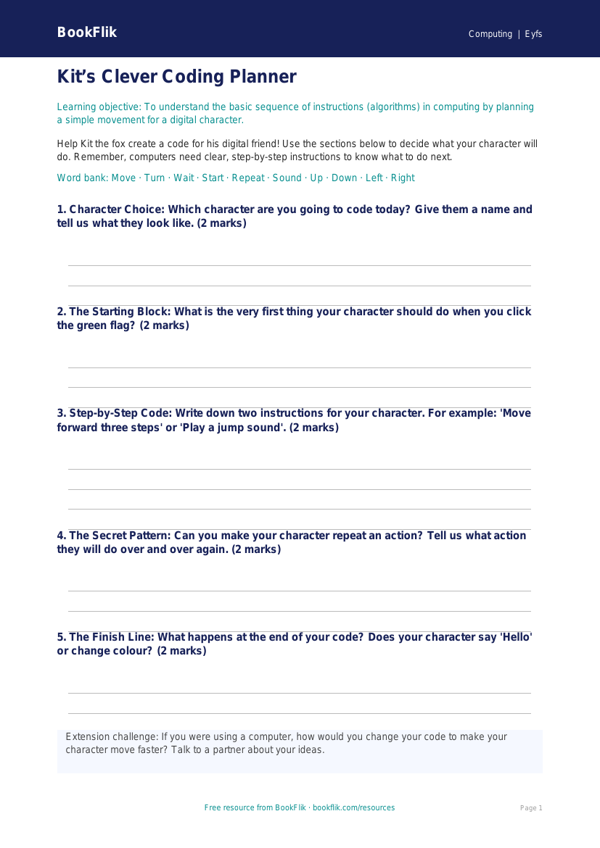
Boost your classroom digital literacy with our Computing scratch template eyfs core resource. Designed specifically for reception-aged children, this interactive tool introduces the foundational concepts of programming through play. By using this Computing scratch template eyfs core, children will learn how to sequence simple instructions, understand cause and effect, and build confidence in navigating a digital interface.
The template features our friendly character Kit the fox, who guides pupils through a series of engaging challenges. Children will learn to move sprites across the screen, change colours, and play sounds, meeting the Early Years Foundation Stage framework requirements for exploring and using technology. This resource is carefully structured to ensure that pupils at the expected standard can follow logical steps to achieve their goals, fostering early computational thinking and problem-solving skills.
Teachers can easily integrate this into their weekly planning by using the Computing scratch template eyfs core as a guided activity on an interactive whiteboard or as an independent task on classroom tablets. The resource is fully differentiated, offering clear entry points for learners at the expected standard, with extension ideas for those who are ready to explore more complex loops or event blocks. By following Kit the fox on this digital journey, children develop the essential skills needed for Key Stage 1, all while having fun in a safe and supportive environment.
To check understanding, please use these questions:
1. Can you name the character who helps us with our computing puzzles today?
2. What happens when we click the green flag on the screen?
3. Can you show me how to move the sprite to the right?
4. What do we need to do to change the colour of our background?
5. If we want the sprite to make a sound, which block should we use?
6. Why is it important to put our instructions in the right order?
Preview the worksheet
If the preview does not load, open the PDF in a new tab.