
Free Programming Activity Sheet for Class 4 Students | BookFlik
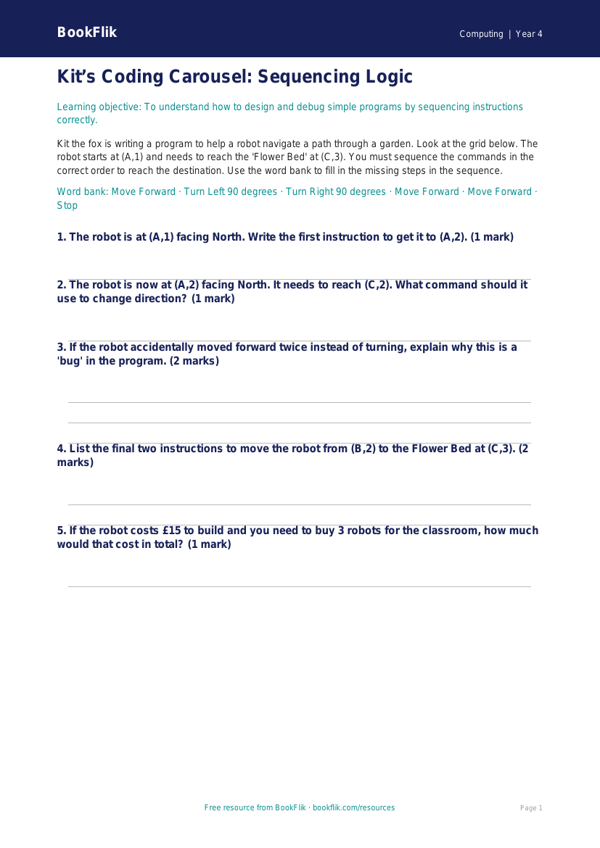
Looking for a fresh way to teach logic and sequences? Our Computing programming activity sheet year 4 core is designed to help children master the fundamentals of algorithms and debugging in a fun, accessible way.
In this resource, our clever friend Kit the fox takes centre stage. Kit is a master of puzzles and computing, and he needs the children’s help to navigate through a series of logical challenges. By working through these tasks, pupils will learn how to break down complex problems into smaller, manageable steps, which is the heart of computational thinking. This activity sheet focuses on writing clear instructions, predicting outcomes, and identifying errors in a sequence, all of which are essential skills for any budding programmer.
Teachers can use this Computing programming activity sheet year 4 core as a standalone lesson starter, a guided practice task, or a homework consolidation exercise. It aligns perfectly with the CBSE / NCERT Curriculum requirements for Class 4, specifically the objective to design, write, and debug programs that accomplish specific goals. The content is carefully scaffolded to ensure that learners working at the expected standard feel challenged yet supported.
Because we understand the importance of classroom inclusivity, this Computing programming activity sheet year 4 core is set at the core level. It encourages pupils to think like computer scientists by using precise vocabulary such as algorithm, sequence, and debug. The tasks include five to seven questions ranging from recalling key definitions to applying logic to solve a navigational puzzle.
Download this resource today to bring a sense of adventure to your ICT suite or classroom. With Kit the fox guiding the way, your students will develop the confidence to tackle any coding challenge that comes their way. It is a fantastic, ready-to-print tool that saves time while ensuring your pupils meet their year-group expectations with enthusiasm and skill.
Preview the worksheet
If the preview does not load, open the PDF in a new tab.