
Free Programming Drawing Sheet for CBSE Class 4 Students | BookFlik
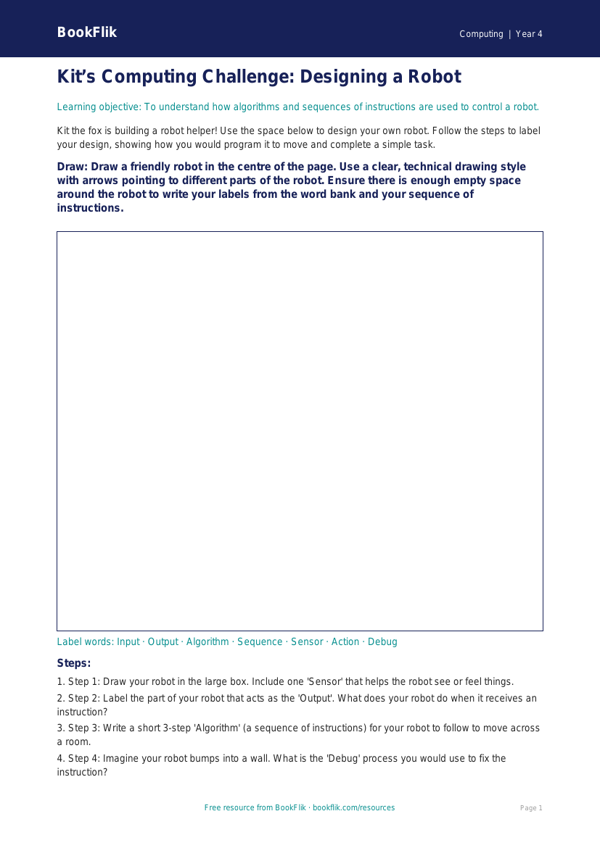
Boost your pupils’ confidence in digital logic with our free Computing programming drawing sheet year 4 core resource. Designed specifically for Class 4 classrooms, this activity bridges the gap between physical drawing and computational thinking, helping children visualise how algorithms function before they touch a keyboard.
In this lesson, students will explore the fundamentals of sequence and logical reasoning. Instead of using complex software, children use this paper-based tool to plan a series of precise instructions for a character. By sketching out paths and using directional arrows, pupils learn to identify bugs and debug their own work. This activity is a fantastic way to develop the core skills required for the CBSE / NCERT Curriculum, specifically meeting the requirement to design, write, and debug programs that accomplish specific goals.
Teachers can use this Computing programming drawing sheet year 4 core as an engaging starter activity or as a main task during a sequence of lessons on algorithms. It is perfect for mixed-ability classes, as it allows children to focus on the logic of the steps without the distraction of syntax errors. By removing the digital element, students can focus entirely on the decomposition of a problem, breaking a complex task into manageable, sequential steps.
This resource is tailored for learners at the expected standard. It encourages children to think like programmers, using clear, logical sequences to navigate a grid. As they complete the worksheet, they will develop a deeper understanding of how computers follow instructions. Whether used for individual practice or as part of a collaborative group task, this Computing programming drawing sheet year 4 core provides a solid foundation for more advanced coding projects later in the term. Download this resource today to help your Class 4 students master the essential building blocks of computer science in a fun, creative, and accessible way.
Preview the worksheet
If the preview does not load, open the PDF in a new tab.