
Free Algorithms Drawing Sheet | Year 4 Supported | BookFlik
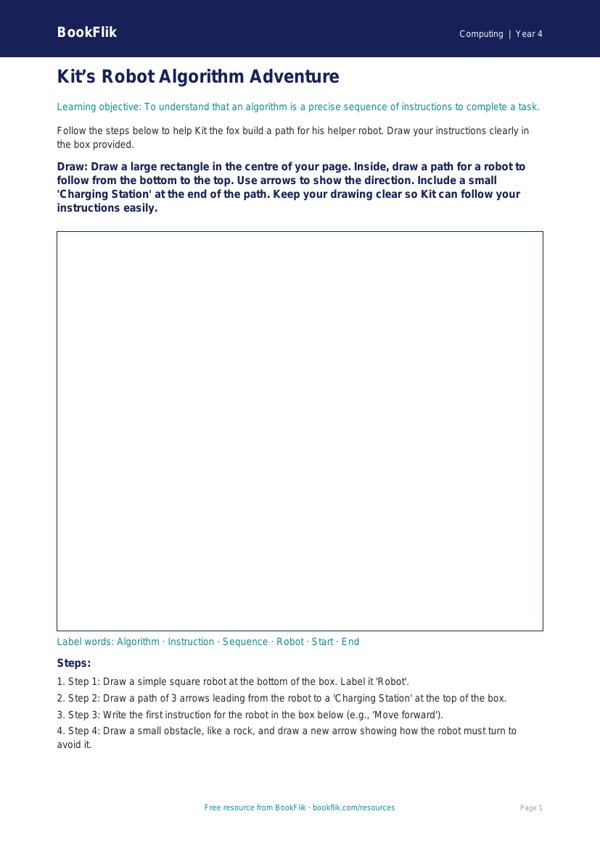
Boost your classroom computing lessons with our Computing algorithms drawing sheet year 4 supported resource. Designed specifically for Year 4 students who need extra scaffolding, this activity helps children grasp the basics of sequencing and logic without the pressure of complex coding syntax.
In the UK National Curriculum, Year 4 pupils must learn to design, write, and debug programs. By using this Computing algorithms drawing sheet year 4 supported, children learn that an algorithm is simply a step-by-step set of instructions. Instead of typing lines of code, students follow a visual prompt to draw a specific path or object, breaking a complex task down into manageable, logical stages. This hands-on approach reinforces the concept of sequences and debugging in a fun, tactile way.
Teachers can use this resource as a warm-up activity before moving to screen-based programming tools. It is perfect for small group work or as a focused task for pupils who benefit from visual learning. By mapping out instructions on paper, students build the foundational thinking skills required for computational thinking.
We have ensured this Computing algorithms drawing sheet year 4 supported is fully differentiated. The worksheet includes simple, short sentences, clear visual cues, and a helpful word bank at the bottom to build confidence. We have included sentence starters to help children explain their sequences, and the answer frames are clearly structured to reduce cognitive load. Whether your class is just starting their computing journey or needs a gentle reminder of how to order instructions, this sheet provides a warm and encouraging environment for every learner.
Download this free, high-quality resource today to help your Year 4 students master the logic behind computing through drawing and creativity. It is a fantastic way to bridge the gap between physical movement and digital programming in your classroom.
Preview the worksheet
If the preview does not load, open the PDF in a new tab.