
Free Coding Drawing Sheet | Year 6 Core | BookFlik
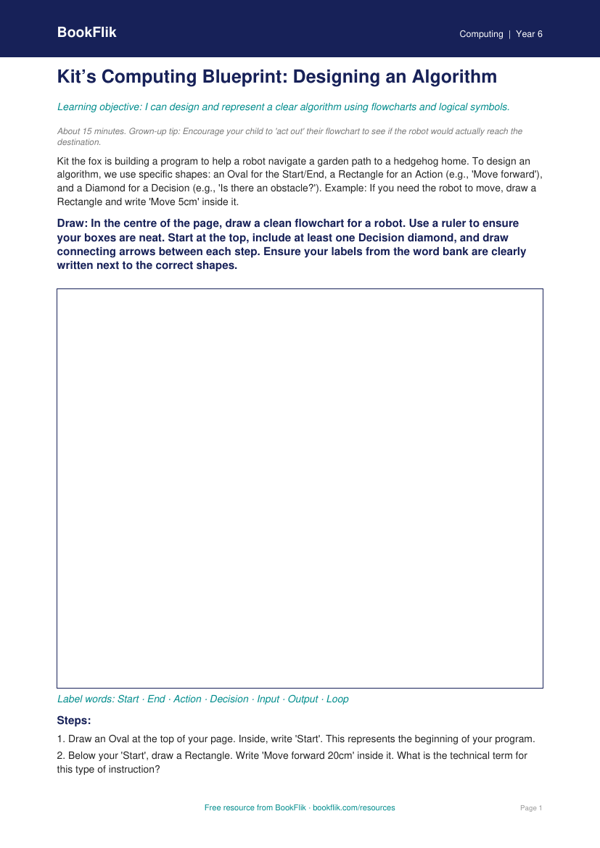
Looking for a creative way to introduce programming concepts in your classroom? Our Computing coding drawing sheet year 6 core resource offers a unique blend of art and logic, perfectly designed for children aged 10 to 11. This activity helps students bridge the gap between abstract algorithmic thinking and visual representation, making it an essential tool for any primary school computing lesson.
In this activity, pupils follow a set of instructions to draw complex patterns and shapes. By treating the page like a coordinate grid and the pencil like a moving sprite, children learn about sequencing, loops, and debugging. This Computing coding drawing sheet year 6 core is aligned with the UK National Curriculum, specifically supporting the requirement for pupils to design, write, and debug programs that accomplish specific goals. It encourages students to think like programmers before they even touch a keyboard.
Teachers and parents can use this resource as a warm-up exercise, a quiet independent task, or a collaborative group challenge. It is ideal for reinforcing the logic behind commands such as move, turn, and repeat. Because this Computing coding drawing sheet year 6 core is differentiated for the expected standard, it provides just the right level of challenge to keep Year 6 learners engaged and motivated.
The sheet features Kit the fox, our resident computing expert, who guides students through the steps with clear, encouraging prompts. Whether you are teaching in a busy London classroom or supporting home learning in a quiet village, this resource provides a hands-on approach to computational thinking.
Fast finishers can attempt the extension task included at the bottom of the page, which asks them to write their own sequence of commands for a partner to draw. Download this free resource today to bring a fresh, artistic perspective to your computing curriculum and help your students master the fundamentals of coding.
How to use this drawing sheet
- Time: about 15 minutes
- At home: Encourage your child to ‘act out’ their flowchart to see if the robot would actually reach the destination.
- In the classroom: Remind students that computers follow instructions literally, so their steps must be specific and in the correct order.
Preview the worksheet
If the preview does not load, open the PDF in a new tab.