
Free Debugging Word Mat | Year 4 Supported | BookFlik
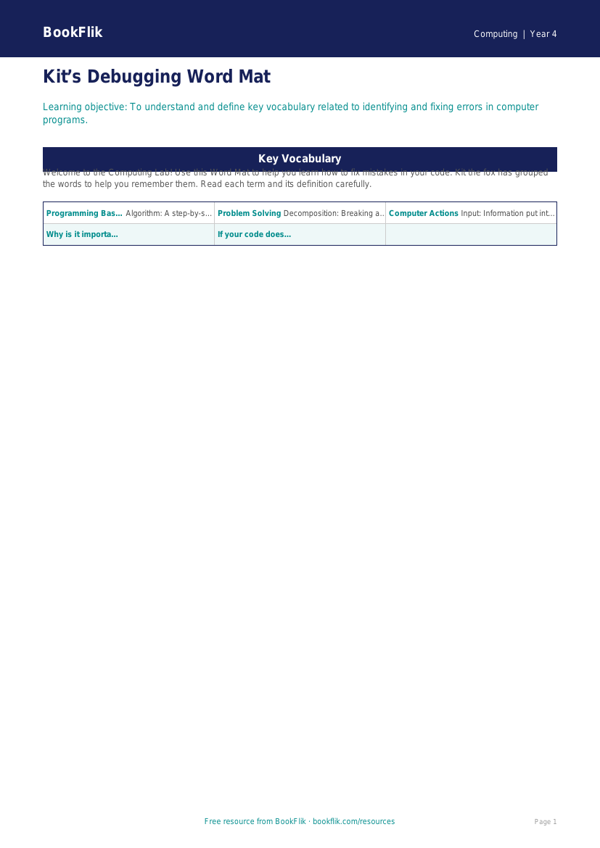
Boost your classroom resources with our free Computing debugging word mat year 4 supported. Designed specifically for pupils who need extra scaffolding, this resource breaks down the essential process of finding and fixing errors in code. In the UK National Curriculum, Year 4 pupils are expected to understand that programs execute by following precise instructions and that bugs can cause unexpected outcomes. This word mat makes that abstract concept concrete and manageable.
Our Computing debugging word mat year 4 supported uses clear, simple language and visual cues to help children identify common mistakes. Instead of complex technical jargon, we focus on key terms like sequence, bug, fix, and prediction. By using this tool, students can follow a step-by-step checklist to review their own work, fostering independence and confidence during coding lessons. It is perfectly aligned with the primary computing programme of study, helping children develop logical reasoning skills in a supportive, non-intimidating way.
Teachers can use this resource during whole-class modelling or keep it on desks for small group work. The differentiation level is tailored for learners who require extra support. We have used short, punchy sentences and a clear layout to ensure the information is accessible. The word bank at the bottom provides essential vocabulary, while the structured layout helps pupils organise their thoughts as they test their programs.
Whether you are teaching block-based coding or simple sequence building, this Computing debugging word mat year 4 supported is an essential addition to your teaching toolkit. It encourages a positive mindset towards mistakes, teaching children that a bug is simply a puzzle waiting to be solved. Download this PDF today to help your Year 4 students become more resilient and accurate programmers. It is a simple, effective, and free way to ensure every child in your class can succeed with their computing goals.
Preview the worksheet
If the preview does not load, open the PDF in a new tab.