
Free E-Safety Drawing Worksheet | Year 4 Supported | BookFlik
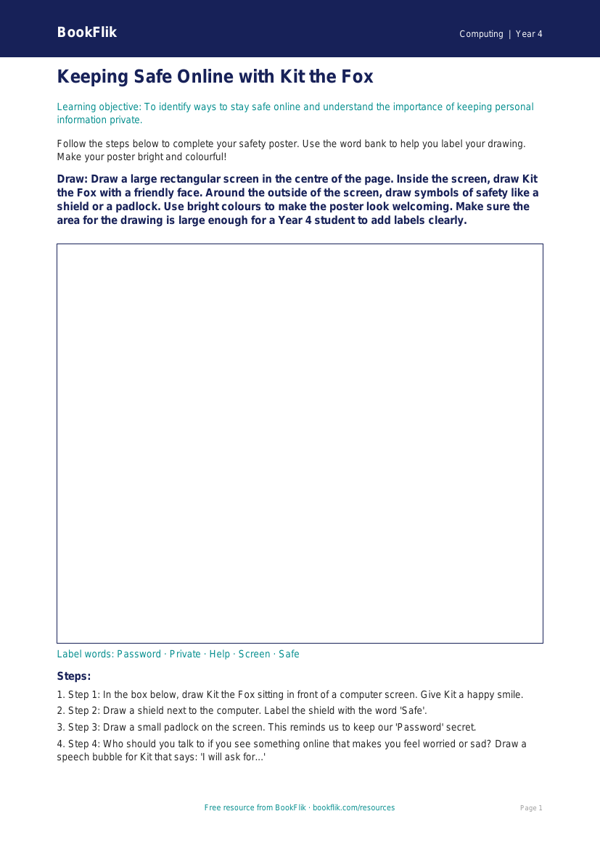
Looking for an engaging way to teach online safety? Our free Computing e safety drawing sheet year 4 supported resource is designed specifically for pupils who need extra scaffolding and clear, simple instructions. This helpful activity allows children to explore the important rules of staying safe online through creativity and visual expression.
In this lesson, our friendly character Kit the fox guides students through the basics of digital wellbeing. By using this Computing e safety drawing sheet year 4 supported, children will learn how to identify personal information, understand the importance of keeping passwords private, and recognise how to ask a trusted adult for help. The activity encourages pupils to draw their own “safe online space,” helping them visualise positive digital habits in a way that is easy to understand and fun to complete.
This resource aligns with the UK National Curriculum for Computing, which requires Year 4 students to use technology safely, respectfully, and responsibly, while recognising acceptable and unacceptable behaviour. We have carefully differentiated this material to ensure it is fully accessible for SEN and emerging learners. The worksheet features short, simple sentences, clear answer frames, and a helpful word bank to build confidence. Teachers can use this as a standalone starter task or as a follow-up to a class discussion about digital footprinting.
Using this Computing e safety drawing sheet year 4 supported helps remove barriers to learning by providing visual cues and structured prompts. It is perfect for small group interventions, one-to-one support, or as part of a whole-class lesson where some children require a more simplified approach. Download this free printable today to help your Year 4 students feel empowered and secure while navigating the digital world. It is the perfect tool for creating a warm, safe, and supportive classroom environment.
Preview the worksheet
If the preview does not load, open the PDF in a new tab.