
Free Programming Drawing Sheet | Year 4 Supported | BookFlik
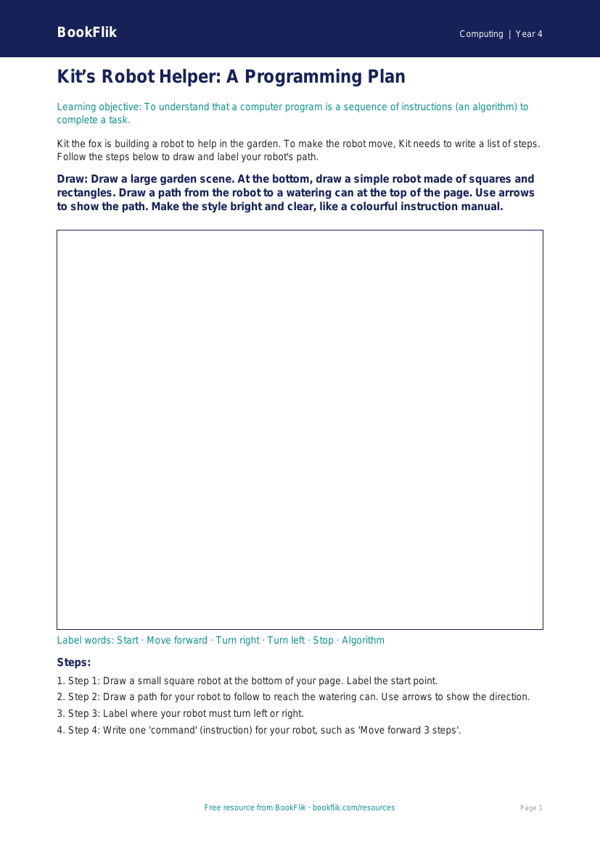
Boost your pupils’ confidence with our Computing programming drawing sheet year 4 supported resource. This printable activity is designed specifically for children who need extra help to grasp the basics of algorithms and sequence in computing. By using a visual approach, this Computing programming drawing sheet year 4 supported resource helps students understand how computers follow step-by-step instructions.
In this activity, pupils help Max the monkey navigate through a simple maze. Instead of writing complex code, children draw arrows and paths to show Max the way to his bananas. This practical task aligns perfectly with the UK National Curriculum requirement for pupils to understand what algorithms are and how they are implemented as programs on digital devices. By breaking down the movement into small, logical steps, children build a strong foundation for future coding lessons.
Teachers can use this Computing programming drawing sheet year 4 supported resource as a starter activity or a small-group intervention task. It is ideal for learners who find abstract programming concepts difficult, as it uses familiar visual cues to represent digital logic. The worksheet includes clear, short instructions and helpful sentence starters to guide students through each step of the process. With a handy word bank at the bottom, pupils can learn key vocabulary like algorithm, sequence, and debug while they draw.
This resource is part of our commitment to inclusive education, ensuring every child feels successful in their learning journey. Whether you are introducing the concept of sequence or helping a student who needs a little extra scaffolding, this sheet offers a warm and encouraging way to explore technology. Download this essential addition to your classroom toolkit today to help your Year 4 students master the fundamentals of programming in a fun, stress-free way. The simple layout and structured frames make it perfect for independent work or guided support sessions.
Preview the worksheet
If the preview does not load, open the PDF in a new tab.