
Free Scratch Drawing Sheet | Year 5 Greater Depth | BookFlik
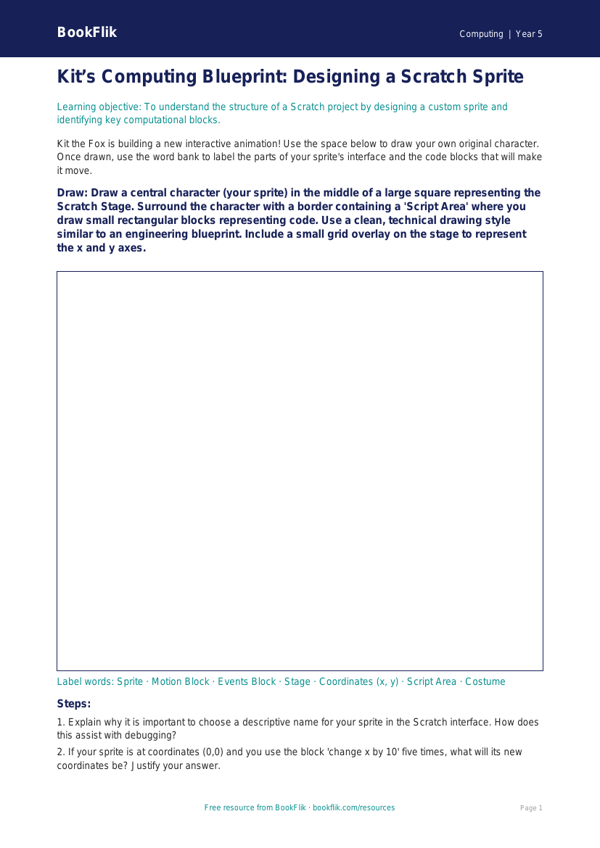
Unlock the potential of your most talented young coders with our exclusive Computing scratch drawing sheet year 5 greater depth resource. Designed specifically for pupils ready to move beyond basic block-based programming, this comprehensive guide encourages learners to master complex algorithmic thinking within the Scratch environment. By focusing on pen-down commands, variable manipulation, and coordinate geometry, students will transform their digital canvases into intricate geometric masterpieces.
This Computing scratch drawing sheet year 5 greater depth resource is perfectly aligned with the UK National Curriculum, specifically addressing the requirement for pupils to design, write, and debug programs that accomplish specific goals, including controlling or simulating physical systems. Teachers can integrate this activity into a termly computing unit to stretch high-attaining students, allowing them to explore the mathematical beauty of iteration and loops. The sheet provides a structured yet open-ended framework that challenges children to justify their choice of angles and repeats, moving them from simple shapes to complex, tessellating patterns.
Beyond the technical skills, our Computing scratch drawing sheet year 5 greater depth pack promotes computational thinking by asking students to predict outcomes and debug errors in their sequences. It is an ideal tool for differentiation, ensuring that those who have already mastered the basics of Scratch are consistently challenged with higher-order tasks.
Included in this pack are six rigorous tasks, including:
1. Explain why using a variable to control the length of a line is more efficient than manually inputting numbers.
2. Compare and contrast the use of repeat loops versus nested loops when creating a polygon.
3. Justify your decision to use a specific degree of rotation to create a symmetrical pattern.
4. What might happen if you change the X and Y coordinates mid-sequence?
5. Describe the mathematical relationship between the number of sides in a shape and the degrees turned.
6. Create an original algorithm that generates a unique, multi-coloured geometric artwork.
Preview the worksheet
If the preview does not load, open the PDF in a new tab.