
Free Scratch Template | Year 6 Core | BookFlik
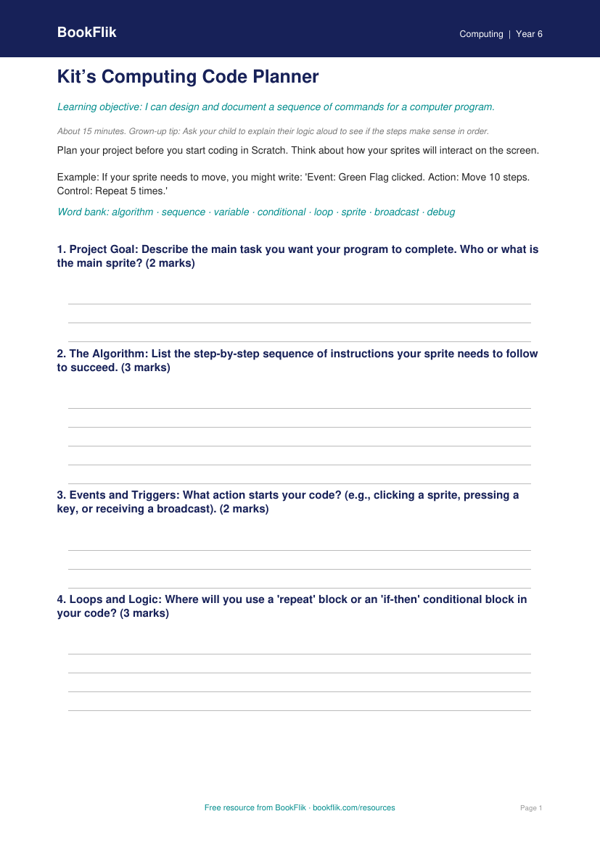
Looking for high-quality resources to support your classroom instruction? Our Computing scratch template year 6 core is designed to help pupils master block-based programming with confidence. This free resource aligns perfectly with the UK National Curriculum for Key Stage 2, specifically focusing on designing, writing, and debugging programs that accomplish specific goals.
In this lesson, pupils join Kit the fox, our resident computing expert, to explore variables, selection, and repetition within the Scratch interface. By using this Computing scratch template year 6 core, students learn how to decompose complex problems into smaller, manageable steps. The template provides a solid foundation for building interactive stories and games, ensuring that every learner at the expected standard can engage with computational thinking.
Teachers and parents can use this template to scaffold learning during computing lessons or home learning sessions. The resource includes clear, step-by-step instructions that help children understand how to use loops and conditional statements effectively. Because it is a Computing scratch template year 6 core, it offers enough structure for those who need extra guidance while leaving room for creative extension tasks. For fast finishers, we have included a challenge section that encourages pupils to refine their algorithms and add extra features to their projects.
This resource is tailored for the British classroom, using familiar language and age-appropriate logic. Whether you are teaching in a school in Manchester or supporting a child at home in a quiet village, this template makes digital literacy accessible and fun. By focusing on core programming concepts, children will develop the resilience needed to debug their code and improve their projects over time. Download this Computing scratch template year 6 core today to bring your computing lessons to life and help your Year 6 pupils build their skills in a creative, structured, and logical way.
How to use this template
- Time: about 15 minutes
- At home: Ask your child to explain their logic aloud to see if the steps make sense in order.
- In the classroom: Encourage students to use this planner before touching the computers to reduce time spent ‘trial-and-error’ coding.
Preview the worksheet
If the preview does not load, open the PDF in a new tab.