
Free Spreadsheets Drawing Sheet | Year 4 Core | BookFlik
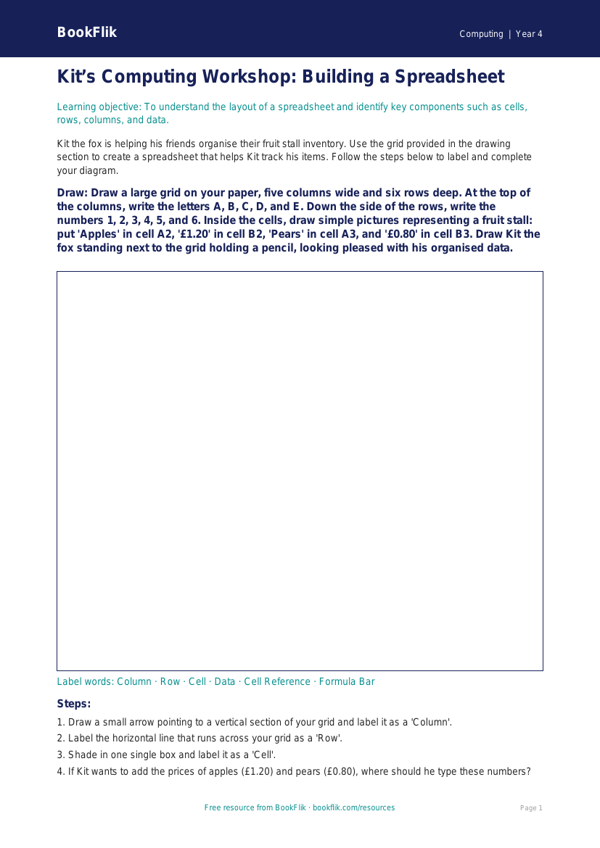
Boost your classroom computing lessons with our engaging and free Computing spreadsheets drawing sheet year 4 core resource. Designed specifically for the UK National Curriculum, this printable activity helps children visualise how data is organised within a spreadsheet before they start typing on a computer.
In Year 4, pupils are expected to understand that spreadsheets are used to organise and calculate data. This resource provides a blank grid layout where students can physically draw out a small shop inventory or a weekly schedule. By labelling rows and columns and filling in cells with information like item names and prices in pounds and pence, children develop a solid foundation in data handling. Using this Computing spreadsheets drawing sheet year 4 core, students will learn to identify cells by their coordinates, such as A1 or B2, which is a vital skill for later digital work.
Teachers can use this sheet as a pre-computer task to model how data is structured. It is perfect for a starter activity or as a scaffold for students who need to plan their data before opening spreadsheet software. Because this is a Computing spreadsheets drawing sheet year 4 core activity, it is pitched exactly at the expected standard, ensuring that pupils feel confident and supported as they transition from paper-based planning to digital tools.
The resource includes five to seven questions that test recall and application. Students will be asked to identify specific cells, calculate simple totals based on their drawings, and explain why we use spreadsheets to sort information. This logical approach helps children grasp the basics of algorithms and data organisation. Whether you are introducing the topic or reviewing previous lessons, this worksheet provides a clear, tactile way to build essential computing literacy. Download it today to help your class master the building blocks of data management in a fun, creative way.
Preview the worksheet
If the preview does not load, open the PDF in a new tab.