
Free Spreadsheets Worksheet | Year 4 Supported | BookFlik
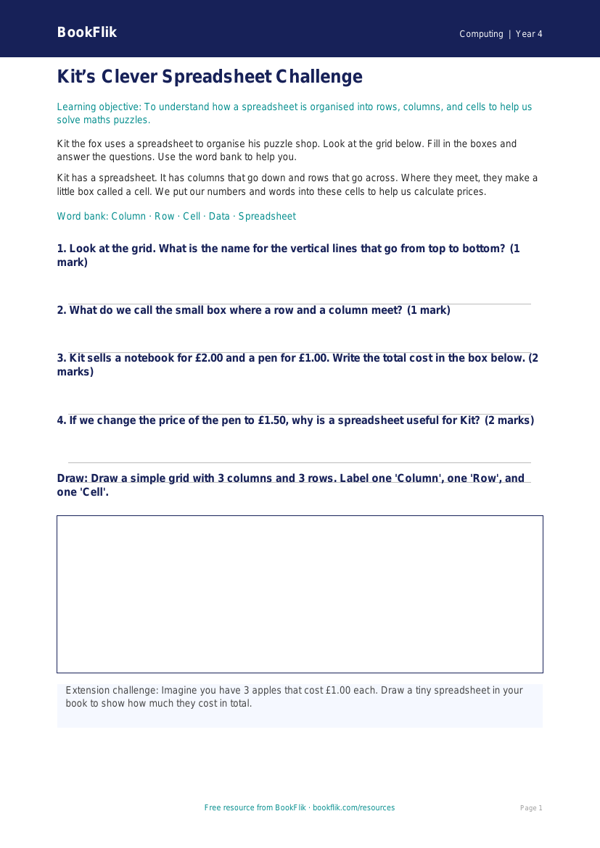
Boost your classroom resources with our free Computing spreadsheets worksheet year 4 supported pack. Designed specifically for Year 4 pupils who require extra scaffolding, this resource breaks down the fundamentals of data entry and organisation into manageable, bite-sized steps.
In line with the UK National Curriculum, this activity introduces children to the basic functions of a spreadsheet. Pupils will learn how to identify cells, columns, and rows. They will also practise entering simple numerical data into a digital table to solve a shopping list challenge. By using this Computing spreadsheets worksheet year 4 supported resource, students gain confidence in using technology to represent information clearly.
The worksheet is carefully differentiated for learners who need additional support. We have replaced complex jargon with simple, clear vocabulary and provided short, punchy sentences. Each task includes visual cues and helpful sentence starters to guide students through the process. The activity features four structured questions with clear answer frames, ensuring pupils feel a sense of achievement as they complete each section.
Teachers can use this material as a standalone introductory lesson or as a follow-up task for pupils working at an emerging level. It is perfect for small group work or as a focused activity with a teaching assistant. By providing a clear word bank at the bottom of the page, we ensure that every child can engage with the technical terminology without feeling overwhelmed.
Download this Computing spreadsheets worksheet year 4 supported file today to help your class master the basics of digital data. It is a fantastic way to build foundational computing skills in a warm, positive, and accessible way.
Word Bank:
Cell: A small box where you type data.
Column: A line of boxes going down.
Row: A line of boxes going across.
Data: The numbers or words you type in.
Spreadsheet: A grid used to organise information.
Preview the worksheet
If the preview does not load, open the PDF in a new tab.