
Free Spreadsheets Drawing Sheet | Year 5 Greater Depth | BookFlik
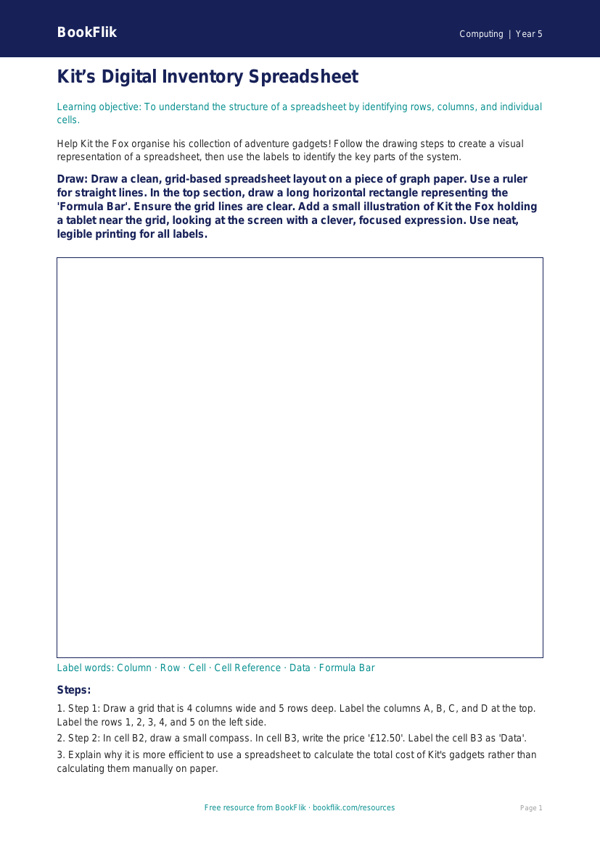
Unlock the potential of your digital classroom with our exclusive Computing spreadsheets drawing sheet year 5 greater depth resource. Designed specifically for pupils exceeding age-related expectations, this activity moves beyond basic data entry to explore the logic, structure, and creative potential of digital grids.
In this lesson, Max the monkey guides students through the fascinating world of spreadsheets. Rather than simply typing numbers, children will use a Computing spreadsheets drawing sheet year 5 greater depth to map out complex designs using cell formatting, conditional formatting, and cell-based coordinates. This task encourages learners to treat a spreadsheet as a digital canvas, requiring them to manipulate column widths and row heights to create intricate, pixel-style art. By doing so, students gain a sophisticated understanding of how spreadsheets function as powerful, versatile tools for data organisation and visual representation.
Aligned with the UK National Curriculum for Computing, this resource challenges Year 5 pupils to use sequence, selection, and repetition in programs, and to work with variables and various forms of input and output. Teachers can use this as a high-level extension task during ICT lessons to bridge the gap between logical programming and creative design. Because this Computing spreadsheets drawing sheet year 5 greater depth is designed for gifted and talented learners, it includes prompts that require pupils to justify their layout choices and predict how changing a single formula might alter their entire design.
The pack includes six challenging questions, such as: Explain why specific cell formatting is more efficient than manual entry; Compare and contrast using a spreadsheet for art versus a dedicated drawing application; and Justify your choice of cell range for your design. This resource is perfect for fostering computational thinking, encouraging children to approach digital tasks with precision, curiosity, and a keen eye for mathematical patterns. Download this free, original resource today to inspire your most ambitious young computer scientists.
Preview the worksheet
If the preview does not load, open the PDF in a new tab.