
Free Spreadsheets Worksheet | Year 5 Core | BookFlik
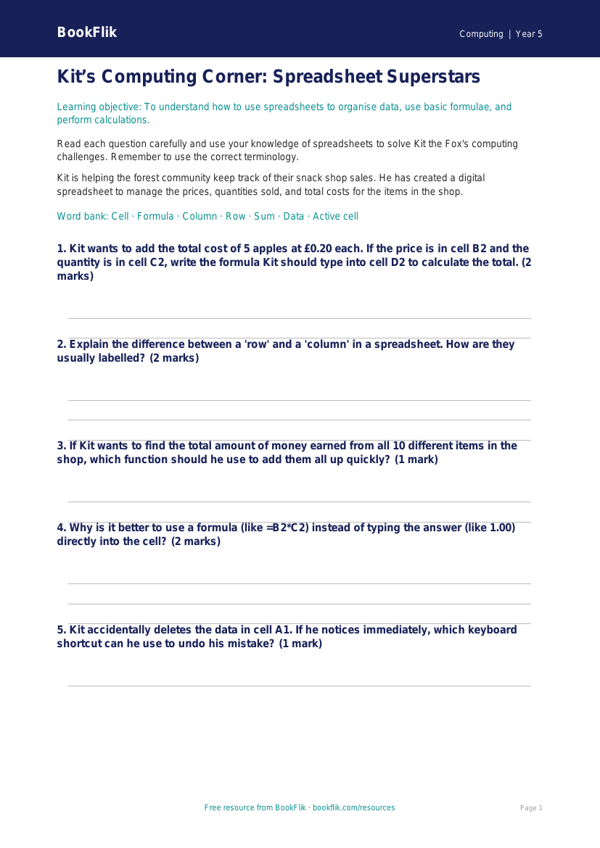
Boost your primary classroom teaching with our engaging Computing spreadsheets worksheet year 5 core resource. Designed specifically for Year 5 students, this activity helps children master the fundamentals of data organisation and digital literacy.
In this lesson, Kit the fox guides students through the world of digital cells, rows, and columns. As they work through the Computing spreadsheets worksheet year 5 core, pupils will learn how to input data accurately, use basic formulas to calculate totals, and understand how spreadsheets can be used to manage information, such as tracking a class budget in pounds and pence. By applying these skills to real-world scenarios, learners build confidence in using software to solve logical problems and present information clearly.
This resource is fully aligned with the UK National Curriculum for Computing, specifically focusing on the requirement for pupils to use technology purposefully to create, organise, store, manipulate, and retrieve digital content. Teachers can use this material as a standalone introduction to data handling or as part of a broader unit on computational thinking. The activities are structured to encourage independent exploration, making it an ideal task for a computer suite session or a classroom-based digital literacy lesson.
We have ensured this Computing spreadsheets worksheet year 5 core is set at the expected standard for Year 5. It includes five to seven questions ranging from simple recall of spreadsheet terminology to the application of addition formulas. The tasks are designed to be warm, encouraging, and accessible, ensuring every child feels successful while developing their IT skills.
Download this free, high-quality worksheet today to provide your class with a structured and fun way to explore the power of digital data. With clear instructions and logical progression, it is the perfect tool to help your pupils become proficient and enthusiastic young coders and data analysts.
Preview the worksheet
If the preview does not load, open the PDF in a new tab.