
Free Electronics Drawing Sheet | Year 4 Core | BookFlik
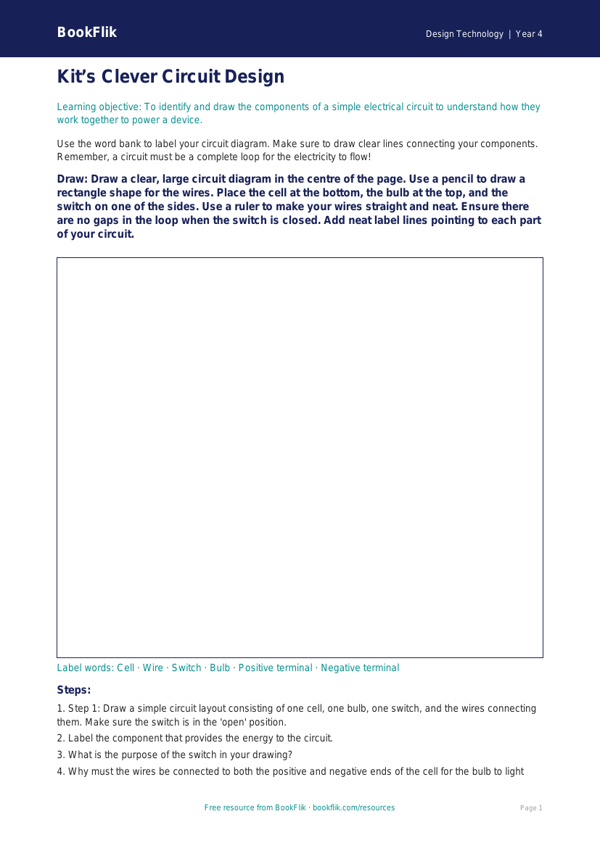
Boost your classroom creativity with our free Design Technology electronics drawing sheet year 4 core resource. Designed specifically for pupils working at the expected standard, this printable activity helps children bridge the gap between imaginative design and functional engineering. By using this Design Technology electronics drawing sheet year 4 core, students will explore the fundamental components of simple circuits, including cells, wires, bulbs, and switches.
In Year 4, the UK National Curriculum for Design Technology emphasises that pupils should be able to apply their understanding of how to incorporate electrical systems into their products. This resource encourages children to plan their own light-up greeting cards or interactive posters, ensuring they understand how to use standard symbols to represent components in a circuit diagram. Whether you are teaching a unit on torches or creating illuminated dioramas, this Design Technology electronics drawing sheet year 4 core provides the perfect structure for students to sketch their ideas before they begin building their final prototypes.
Teachers can use this sheet as a standalone planning task or as part of a larger project on electrical systems. It is ideal for independent work, allowing children to demonstrate their ability to label diagrams clearly and explain how their circuit will function. We have carefully crafted this material to ensure it aligns with the Year 4 curriculum, focusing on technical vocabulary and logical design thinking.
The resource includes five to seven engaging questions that test recall and application, encouraging students to think critically about why a circuit might not work if a connection is broken. By providing a clear template, we help children feel confident in their ability to design effective electronic products. Download this essential tool today to inspire your young engineers and bring their brilliant ideas to life with precision, safety, and a touch of artistic flair.
Preview the worksheet
If the preview does not load, open the PDF in a new tab.