
Free Electronics Worksheet | Year 4 Supported | BookFlik
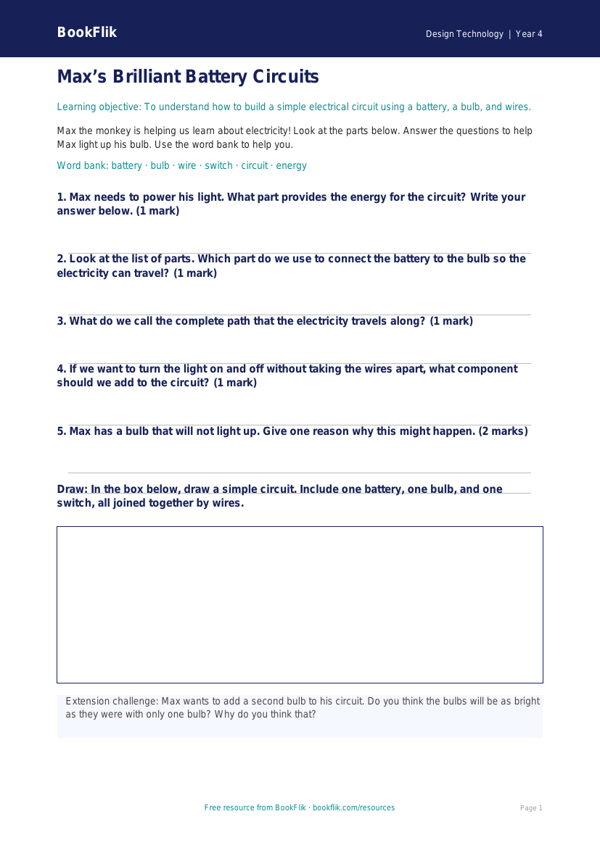
Boost your classroom learning with our new Design Technology electronics worksheet year 4 supported resource. This educational tool is perfect for teachers looking to introduce basic electrical circuits to pupils who need extra scaffolding and clear, step-by-step guidance.
In this lesson, children will explore the fundamental components of a simple circuit. They will learn how to identify a battery, a bulb, and a wire, and understand what is needed to make a bulb light up. By focusing on these core concepts, this Design Technology electronics worksheet year 4 supported resource helps students build confidence with practical scientific principles. It aligns perfectly with the UK National Curriculum, which expects Year 4 pupils to construct simple series electrical circuits and identify whether a lamp will light in a simple series circuit.
We know that every child learns differently. That is why this material is specifically designed for supported learners. The language is simple, the sentences are short, and the instructions use visual cues to assist with comprehension. We have included a helpful word bank at the bottom of the page to support vocabulary recall, along with clear answer frames for every question. This structure ensures that students can focus on the core concepts without feeling overwhelmed by complex text.
Teachers can use this Design Technology electronics worksheet year 4 supported pack during whole-class introductions, small group interventions, or as an independent task for pupils who require additional differentiation. Our BookFlik characters, Max the monkey and Kit the fox, guide the students through the tasks, making the learning experience warm, encouraging, and engaging. Download this free, high-quality resource today to help your Year 4 students master the basics of electronics while developing their technical skills in a fun and accessible way. It is the perfect addition to your D.T. or science lesson plans.
Preview the worksheet
If the preview does not load, open the PDF in a new tab.