
Free Electronics Drawing Sheet | Year 5 Core | BookFlik
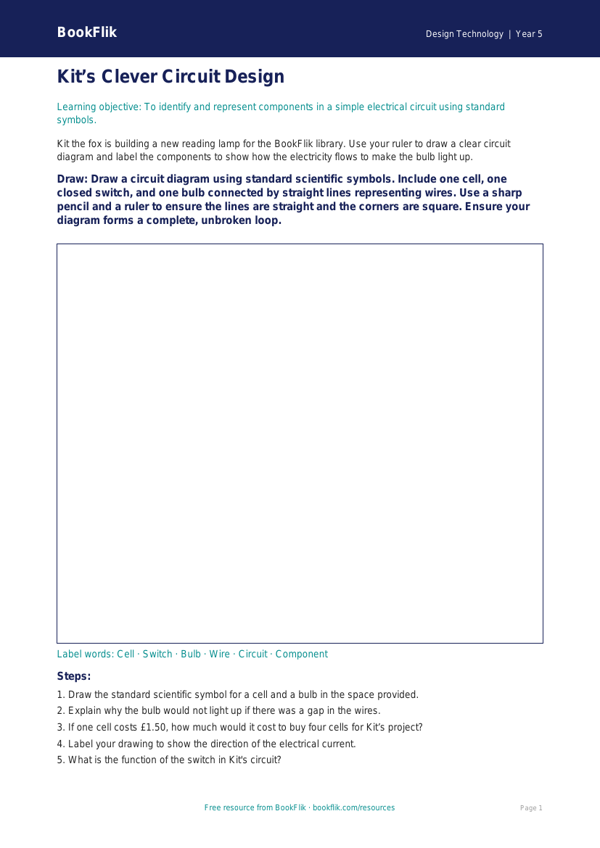
Boost your classroom resources with our free Design Technology electronics drawing sheet year 5 core, designed specifically to help pupils master the fundamentals of electrical systems. This engaging activity sheet is perfect for teachers looking to bring technical concepts to life. By using this Design Technology electronics drawing sheet year 5 core, students will learn to identify and draw standard circuit symbols, including cells, bulbs, buzzers, and switches. They will also practise designing simple series circuits that could power a functional product, such as a light-up greeting card or a steady-hand game.
Our resource is fully aligned with the UK National Curriculum for Year 5, which expects pupils to understand how to incorporate electrical systems into their products and how to represent these designs using clear, technical diagrams. Max the monkey, our resident maths enthusiast, features on the sheet to guide pupils through the logic of circuit pathways, ensuring they understand that a complete loop is essential for a component to function.
Teachers can use this resource as an introductory task to assess prior knowledge or as a planning tool before children begin their practical construction phase. It is an excellent way to bridge the gap between abstract scientific theory and hands-on making. Because this is a Design Technology electronics drawing sheet year 5 core resource, it is pitched perfectly at the expected standard, providing enough challenge to encourage critical thinking while remaining accessible to all learners in the class.
In addition to the drawing tasks, we have included five questions to deepen understanding:
1. What is the purpose of a switch in a series circuit?
2. Draw the standard symbol for a battery cell.
3. Why does a bulb not light up if there is a break in the circuit?
4. If a buzzer costs £1.50 and a bulb costs £0.75, what is the total cost of these components?
5. How can you change your design to make the bulb shine brighter?
Preview the worksheet
If the preview does not load, open the PDF in a new tab.