
Free Electronics Poster | Year 5 Core | BookFlik
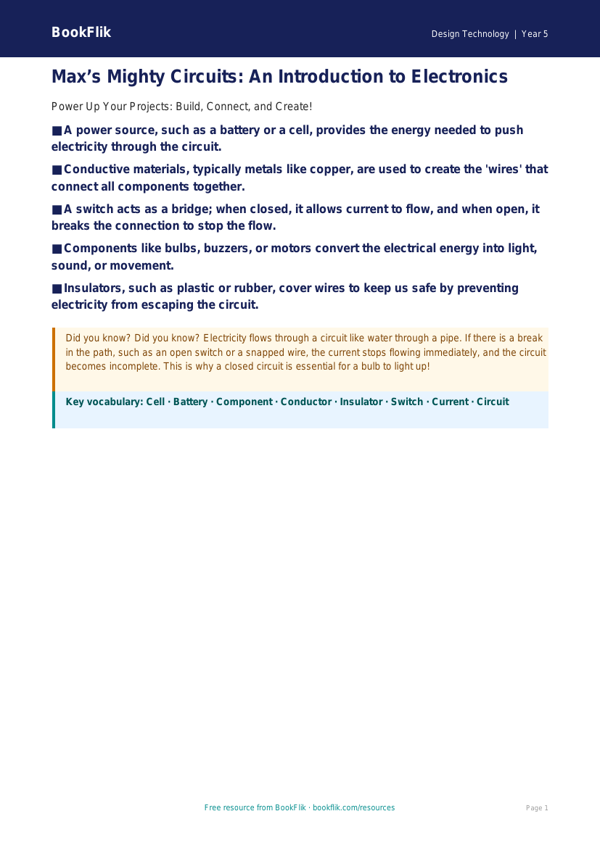
Brighten up your classroom walls with our vibrant and engaging Design Technology electronics poster year 5 core resource. This educational tool is specifically crafted to help Year 5 pupils grasp the fundamental principles of electrical circuits and components as outlined in the UK National Curriculum.
Our Design Technology electronics poster year 5 core resource features Max the monkey, who loves turning every circuit diagram into a fun, logical puzzle. The poster provides a clear, visual guide to essential components, including cells, bulbs, buzzers, and switches. By using simple, standardised symbols, children will learn how to draw and interpret circuit diagrams, which is a key requirement for the Key Stage 2 Design Technology programme of study.
Teachers can use this resource as a focal point during whole-class introductions to electronics. It serves as an excellent reference guide that pupils can consult during practical lessons when they are building their own functional products, such as light-up greeting cards or simple alarm systems. The content is designed to be accessible yet challenging, ensuring that children understand the flow of electricity and the importance of a complete circuit.
This Design Technology electronics poster year 5 core material is perfectly pitched for learners working at the expected standard. It encourages children to apply their scientific knowledge of electricity to real-world design challenges. Alongside the poster, we have included five comprehension questions to test understanding:
1. What is the difference between a cell and a battery?
2. Why is a switch important in a circuit?
3. Draw a circuit diagram containing one cell, one bulb, and one closed switch.
4. If a bulb does not light up, what are two possible reasons for this?
5. How does a buzzer change the function of a simple circuit?
Download this free resource today to inspire your young engineers and bring technical design to life in your classroom.
Preview the worksheet
If the preview does not load, open the PDF in a new tab.