
Free Explanation Texts Activity Sheet | Year 6 Core | BookFlik
Boost your classroom resources with our engaging English explanation texts activity sheet year 6 core, specifically designed to help pupils master the art of explaining how things work. Whether you are introducing the features of non-fiction writing or consolidating knowledge before a formal assessment, this resource provides the perfect structure for your lesson.
In this lesson, children will join Pip the bookworm and Kit the fox as they explore the logical steps required to write clear, cohesive explanation texts. Pupils will learn how to use causal conjunctions, present tense verbs, and technical vocabulary to describe processes accurately. This English explanation texts activity sheet year 6 core is aligned with the UK National Curriculum, focusing on the objective to identify and use organisational devices such as headings, sub-headings, and numbered lists to guide the reader.
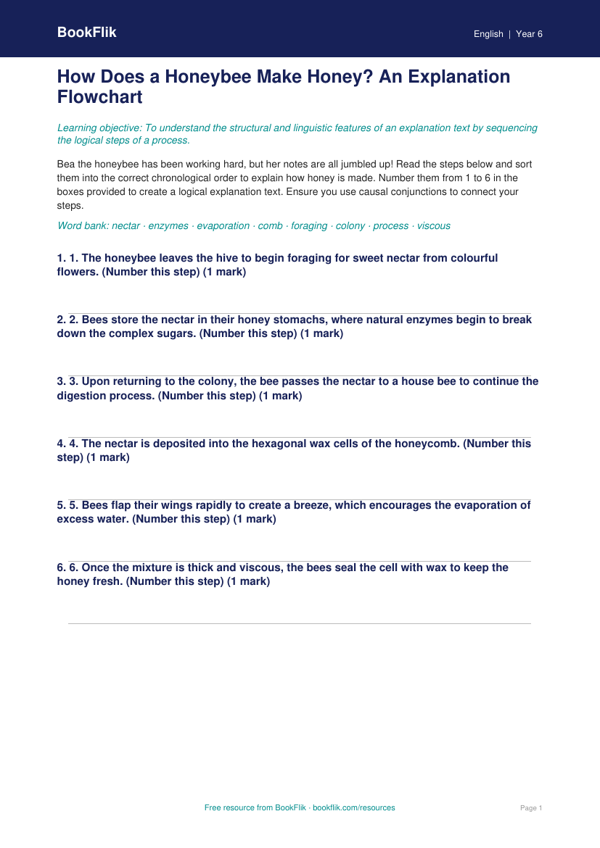
Teachers can use this resource as a guided writing task or as an independent activity to check understanding. The pack includes a model text, a feature-spotting exercise, and a scaffolded writing frame that encourages students to explain a scientific process, such as the water cycle or how a bee collects nectar. By using our English explanation texts activity sheet year 6 core, you ensure that your pupils are meeting the expected standard for their age group while keeping them motivated through fun, original characters.
This resource is differentiated for learners working at the expected level. It includes five to seven carefully crafted questions that balance recall, comprehension, and the application of technical grammar. By the end of the lesson, children will be confident in structuring their own explanations with clarity and precision. Download this free, high-quality resource today to save time on planning while providing your Year 6 class with the tools they need to succeed in their non-fiction writing. It is a fantastic addition to any primary school literacy toolkit.
Preview the worksheet
If the preview does not load, open the PDF in a new tab.