
Free Instructions Quiz | Year 4 Supported | BookFlik
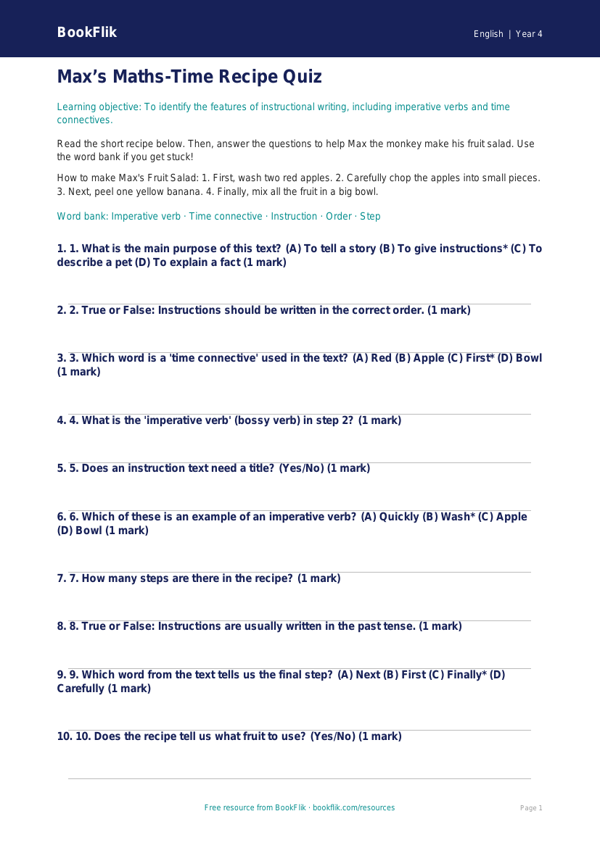
Boost your classroom resources with our free English instructions quiz year 4 supported level. This interactive learning tool is designed specifically for pupils who need extra scaffolding when mastering the features of instructional texts. By using clear, simple language and structured prompts, this English instructions quiz year 4 supported resource helps students identify imperative verbs, chronological order, and the essential components of a successful set of instructions.
Whether you are teaching a unit on recipes, game rules, or craft guides, this quiz aligns perfectly with the UK National Curriculum requirements for Year 4 English. It focuses on the use of fronted adverbials and technical vocabulary, but breaks these down into manageable, bite-sized tasks. Each question is designed to build confidence, using visual cues and sentence starters to guide emerging learners through the process of writing and sequencing logical steps.
Teachers can use this English instructions quiz year 4 supported activity as an engaging plenary at the end of a lesson, as a targeted intervention task for small groups, or as a helpful homework sheet for children who require additional support at home. Because the material is differentiated, it ensures that all pupils can participate in the lesson objectives without feeling overwhelmed by complex phrasing.
Our original character, Kit the fox, guides the children through each question. Kit loves clever solutions and helps pupils spot the hidden patterns in how instructions are written. By focusing on clarity and positive reinforcement, this resource makes the mechanics of grammar and punctuation feel like a fun puzzle to solve. Download this free, high-quality printable today to support your learners in becoming confident, independent writers. It is a fantastic way to ensure every child in your class makes progress while keeping the learning journey warm, encouraging, and fully aligned with national standards for Year 4.
Preview the worksheet
If the preview does not load, open the PDF in a new tab.