
Free Verbs And Tenses Drawing Sheet | Year 4 Supported | BookFlik
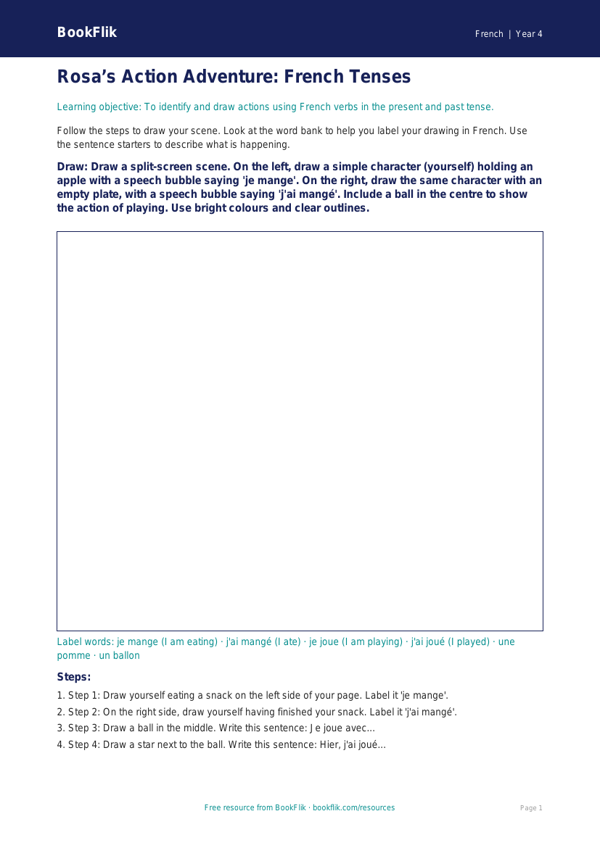
Boost your pupils’ confidence in modern foreign languages with our French verbs and tenses drawing sheet year 4 supported resource. Designed specifically for Year 4 students who require extra scaffolding, this activity helps children connect French action words to visual representations, making abstract grammar concepts easier to grasp.
Using our friendly character Rosa the parrot, this French verbs and tenses drawing sheet year 4 supported pack introduces pupils to basic present tense verbs. Instead of complex conjugation tables, children are asked to draw scenes that match simple French phrases. For example, they might draw a person running when they see the word courir, or someone eating for manger. By linking vocabulary to imagery, students build stronger memory associations, which is a core skill for the UK National Curriculum goal of understanding and responding to spoken and written language from memory.
This resource is perfect for teachers looking for inclusive classroom materials. The worksheet is differentiated for supported learners, featuring simplified instructions, clear boxes for drawing, and a helpful word bank at the bottom of the page to reduce cognitive load. You can use this French verbs and tenses drawing sheet year 4 supported tool as a starter activity, a focused intervention task, or as part of a creative homework pack.
By focusing on high-frequency verbs, we ensure that every child feels a sense of achievement. The visual approach removes the pressure of spelling, allowing students to focus on word recognition and comprehension. Teachers can easily track progress by checking if the student’s drawing matches the assigned French verb. Download this free, inclusive resource today to bring movement and colour into your French lessons while ensuring every pupil in your class can access the curriculum with confidence and joy. It is a wonderful way to foster a love for language learning in a supportive, stress-free environment.
Preview the worksheet
If the preview does not load, open the PDF in a new tab.