
Free Grid References Drawing Sheet | Year 4 Core | BookFlik
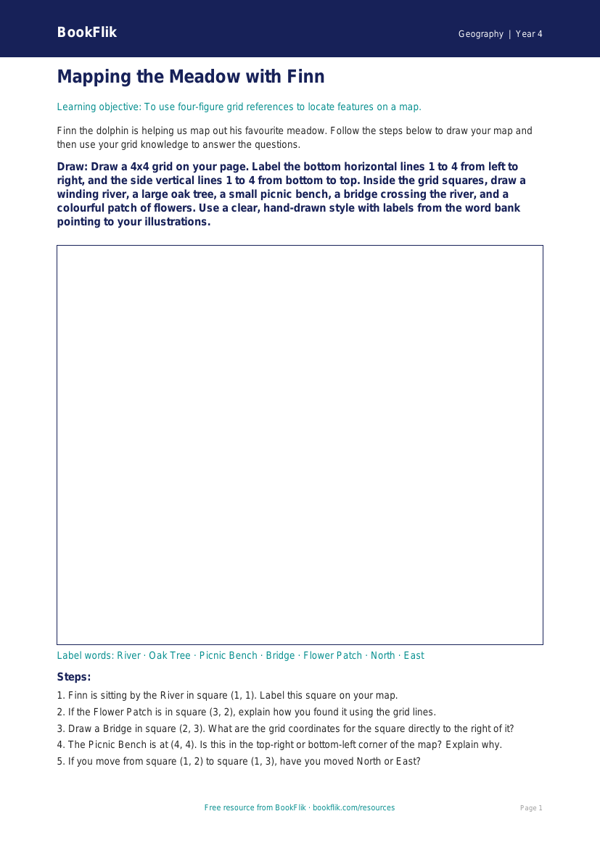
Help your pupils master map skills with our engaging Geography grid references drawing sheet year 4 core resource. Designed specifically for the UK National Curriculum, this printable activity helps children develop essential spatial awareness and cartographic skills. By using this Geography grid references drawing sheet year 4 core, students will learn how to identify coordinates on a map, understand the difference between horizontal and vertical axes, and accurately plot features using four-figure grid references.
In this activity, pupils join Finn the dolphin on an undersea adventure. Finn needs help mapping out coral reefs, sunken treasure, and hidden shipwrecks across a coordinate grid. As students draw these features into the correct squares, they reinforce their understanding of map keys and grid systems. This resource is perfect for teachers looking to bridge the gap between abstract coordinate geometry and practical geographical application. It is ideal for independent practice, classroom starters, or as part of a wider topic on local fieldwork and mapping.
Our Geography grid references drawing sheet year 4 core is pitched at the expected standard for Year 4 learners. It encourages students to think logically about location and direction, which are key components of the Key Stage 2 geography programme of study. The sheet includes five clear questions to check understanding: two recall questions about axis labels, two comprehension tasks identifying objects within specific grid squares, and one application challenge where students must draw a new feature at a given coordinate.
This resource is easy to download and print, making it a stress-free addition to your lesson planning. Whether you are teaching a unit on world geography or focusing on local area mapping, this activity provides a fun, structured way to ensure your class meets the core learning objectives. Use this sheet to build confidence in your pupils as they navigate the world, one grid square at a time.
Preview the worksheet
If the preview does not load, open the PDF in a new tab.