
Free Angles Activity Sheet | Year 4 Core | BookFlik
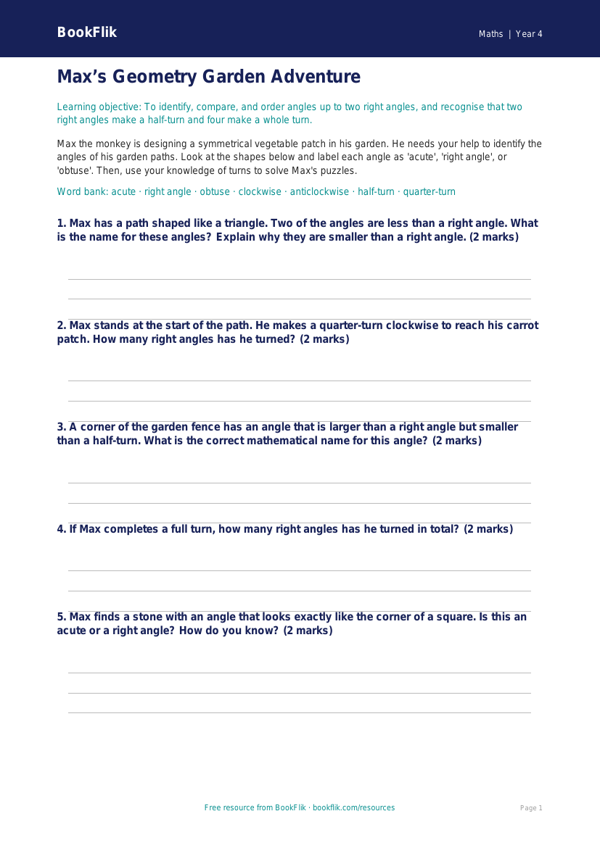
Boost your classroom learning with our engaging and free Maths angles activity sheet year 4 core resource. Designed specifically for pupils aged 8-9, this printable worksheet provides a structured way for students to explore geometry in line with the UK National Curriculum.
In this lesson, Max the monkey has gathered a collection of interesting shapes and needs help identifying the different types of angles found within them. By working through this Maths angles activity sheet year 4 core, children will learn to recognise, identify, and compare acute, obtuse, and right angles. They will develop the skills to spot these angles in 2D shapes and learn to estimate their size in degrees, building a strong foundation for future geometric studies.
Teachers can use this resource as a main lesson activity, a focused intervention task, or as a homework assignment to consolidate learning. Because this Maths angles activity sheet year 4 core is set at the expected standard, it is perfect for the majority of your class. The tasks are carefully scaffolded to move from basic recall to more complex application, ensuring that students feel confident as they progress through the exercises. Each question is crafted to encourage mathematical reasoning, helping children articulate their findings clearly.
The sheet includes five to seven varied questions that challenge pupils to measure, label, and draw angles accurately using a protractor. By using original content featuring our friendly character Max, the resource makes abstract mathematical concepts feel approachable and fun. Whether you are introducing the topic or reviewing it before an assessment, this resource is a valuable addition to your teaching toolkit. Download it today to provide your pupils with high-quality, curriculum-aligned practice that makes mastering geometry a breeze. Our materials are designed to be print-ready, saving you time while ensuring your Year 4 students receive the best support for their mathematical journey.
Preview the worksheet
If the preview does not load, open the PDF in a new tab.