
Free Shape Track Sheet | Year 4 Supported | BookFlik
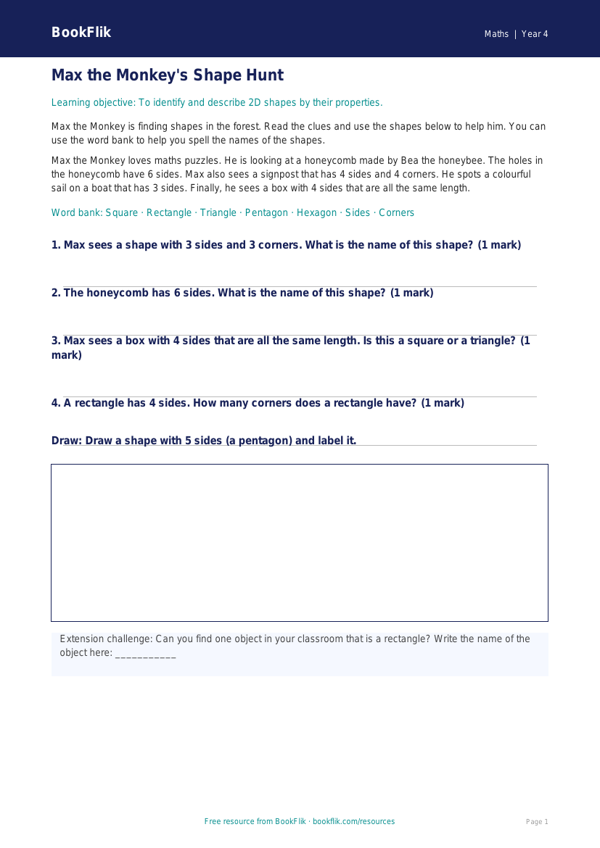
Boost your classroom confidence with our free Maths shape track sheet year 4 supported resource. Designed specifically for pupils who require extra scaffolding, this track sheet makes geometry accessible and engaging. As part of our commitment to high-quality classroom materials, this resource aligns perfectly with the UK National Curriculum for Year 4, focusing on identifying, comparing, and classifying 2D and 3D shapes.
In this lesson, children will join Max the monkey, our enthusiastic maths expert, as he solves puzzles involving properties of shapes. By using this Maths shape track sheet year 4 supported tool, students will practise identifying lines of symmetry, recognising acute and obtuse angles, and naming common 3D shapes. The resource is structured to break down complex geometry into manageable tasks, helping learners build foundational knowledge at their own pace.
Teachers can use this sheet during guided group work or as a focused intervention activity. The design features short, simple sentences and clear visual cues to reduce cognitive load, making it an ideal Maths shape track sheet year 4 supported option for SEN or emerging learners. Each task includes sentence starters and clear answer frames to provide the necessary support for students to express their mathematical thinking clearly.
This resource helps children develop spatial awareness and logical reasoning. By scaffolding the learning process, pupils feel empowered to succeed rather than overwhelmed by challenging terminology. The included word bank ensures that key vocabulary is always at their fingertips. Whether you are teaching a whole-class unit on geometry or supporting a small group, this track sheet provides the structure needed to master Year 4 shape objectives. Download this free resource today to support your learners in their journey to becoming confident mathematicians, all while keeping the learning journey fun, consistent, and fully aligned with national standards.
Preview the worksheet
If the preview does not load, open the PDF in a new tab.