
Free Statistics Track Sheet | Year 4 Supported | BookFlik
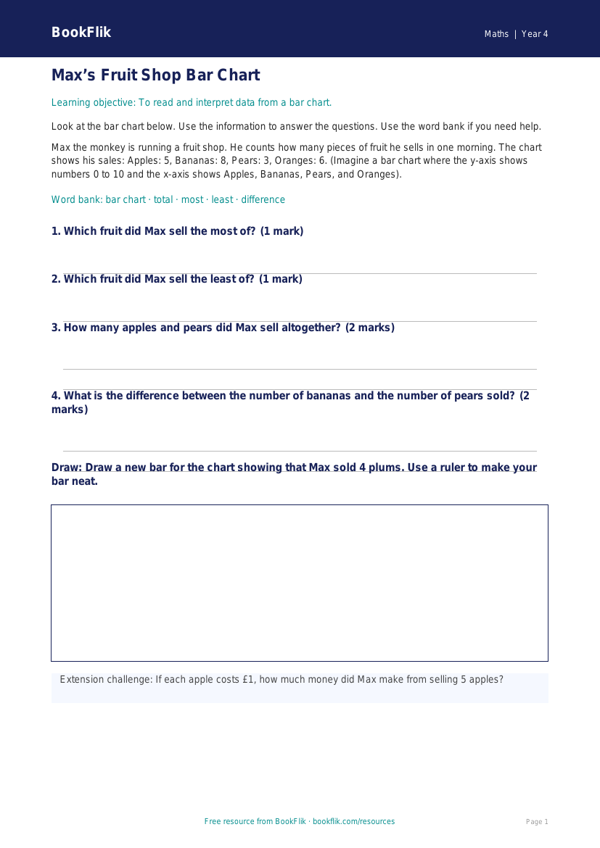
Boost your classroom confidence with our free Maths statistics track sheet year 4 supported resource. Designed specifically for pupils who require extra scaffolding, this track sheet makes understanding data handling simple, clear, and engaging.
What will children learn?
This resource focuses on the core Year 4 statistics curriculum. Learners will practise reading and interpreting bar charts and pictograms. They will learn how to identify the most and least popular items in a set and calculate simple totals. By using this Maths statistics track sheet year 4 supported tool, children will build their fluency in answering questions based on presented data, helping them gain independence in their mathematical journey.
How can teachers use it?
This track sheet is perfect for small group work, morning starters, or as a targeted intervention activity. It features reduced vocabulary, shorter sentences, and clear visual cues to help pupils focus on the maths rather than the text. Each task includes sentence starters and answer frames to guide learners through the problem-solving process, ensuring they feel supported and successful.
Curriculum alignment and differentiation
Aligned with the UK National Curriculum, this resource supports the objective to interpret and present discrete and continuous data using appropriate graphical methods. We have carefully differentiated this material for SEN and emerging learners. By breaking down complex statistics into manageable, bite-sized steps, we ensure that every child can engage with the curriculum at their own pace. Using a Maths statistics track sheet year 4 supported by our BookFlik characters, such as Max the monkey who loves solving puzzles, adds a friendly and encouraging tone to the lesson.
Download this free resource today to provide your learners with the structure they need to succeed in statistics. It is a fantastic way to ensure no child is left behind while meeting national standards in a warm, accessible way.
Preview the worksheet
If the preview does not load, open the PDF in a new tab.