
Free Tempo Drawing Sheet | Grade 3 | Music | BookFlik
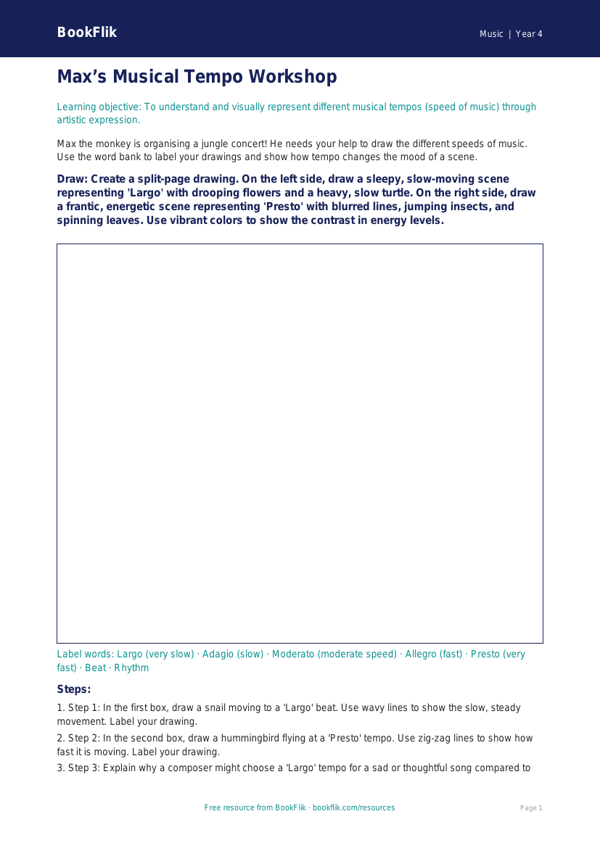
Unlock the rhythmic potential of your classroom with our exclusive Music tempo drawing sheet year 4 greater depth resource. Designed specifically for pupils who thrive on complex challenges, this creative activity encourages students to bridge the gap between auditory perception and visual expression. As children listen to diverse musical excerpts, they must interpret tempo—the speed of the beat—by illustrating how the pace influences their artistic choices, such as line weight, shape intensity, and color palette.
This Music tempo drawing sheet year 4 greater depth resource is perfectly aligned with the Common Core State Standards for Grade 3, which requires pupils to listen with attention to detail and understand how music is structured. While standard tasks might focus on identifying fast or slow rhythms, this greater depth material asks students to justify their artistic decisions. By exploring concepts like accelerando and ritardando, learners will develop a sophisticated vocabulary for describing musical movement.
Teachers can utilise this Music tempo drawing sheet year 4 greater depth pack as a standalone lesson starter or as a cross-curricular bridge between Art and Design and Music. It is an excellent tool for gifted and talented learners who require more than simple identification tasks. The worksheet includes six high-order questions that challenge pupils to explain why certain tempos evoke specific emotions and to compare and contrast the structural patterns found in various genres.
Encourage your pupils to think critically about how composers use tempo to manipulate the listener’s experience. From sketching jagged, rapid lines for a presto tempo to flowing, expansive strokes for an adagio piece, this resource transforms abstract sound into tangible art. Download this unique activity today to inspire your Grade 3 students to listen deeply, analyze patterns with precision, and express their musical interpretations with confidence and creative flair.
Preview the worksheet
If the preview does not load, open the PDF in a new tab.