
Free Online Safety Colouring Page | Pre-K | Health & Wellness | BookFlik
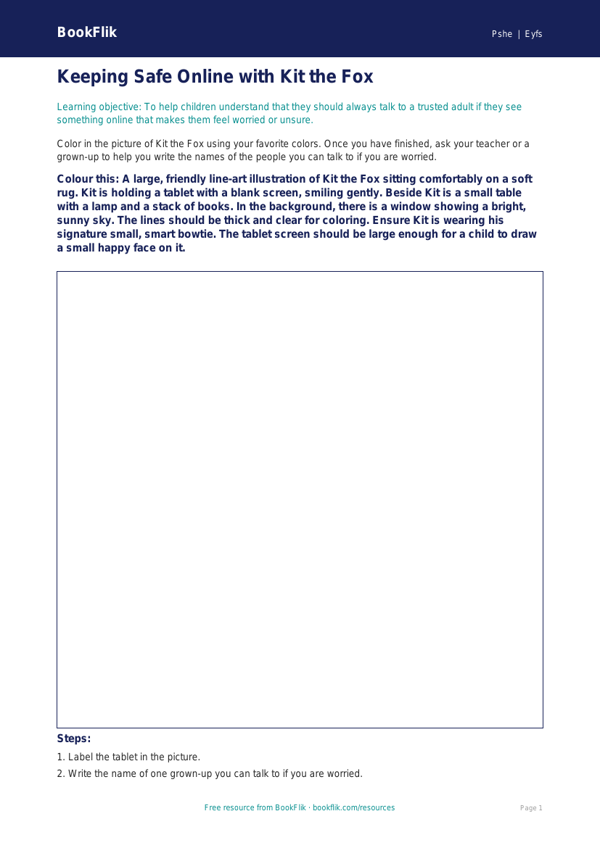
Help your pupils explore the digital world safely with our engaging Health & Wellness online safety coloring page eyfs core resource. Designed specifically for children aged 3-5, this creative activity helps little ones understand that the internet is a tool for learning and fun, provided we follow simple, kind rules.
Our friendly character, Kit the fox, guides children through this activity. As children color in Kit using a tablet or a computer, they learn the importance of asking a trusted adult before clicking on anything new. This Health & Wellness online safety coloring page eyfs core is perfectly aligned with the Common Core State Standards, supporting Personal, Social, and Emotional Development (PSED) by encouraging children to identify safe behaviors and recognize people they can trust.
Teachers can use this resource during circle time to spark conversations about screen time, being kind to others online, and the importance of keeping personal information private. The illustrations are clear and age-appropriate, ensuring that learners at the expected standard can engage with the concepts of digital citizenship in a way that is both fun and memorable. By integrating this Health & Wellness online safety coloring page eyfs core into your weekly plan, you are building the foundations for responsible technology use from an early age.
This resource includes five extension questions to deepen understanding:
1. Who is a trusted adult you can talk to if you see something strange on a screen?
2. Why is it important to ask for help before we play a new game?
3. Can you tell me one way we can be kind to our friends while using a computer?
4. If a screen shows a pop-up window, what should we do?
5. Why do we need to take breaks from screens to play outside?
Download this free, high-quality sheet today to bring essential digital safety lessons to your classroom. It is a simple, effective, and colorful way to keep your pupils safe and informed.
Preview the worksheet
If the preview does not load, open the PDF in a new tab.