
Free Algorithms Drawing Sheet | Year 6 Core | BookFlik
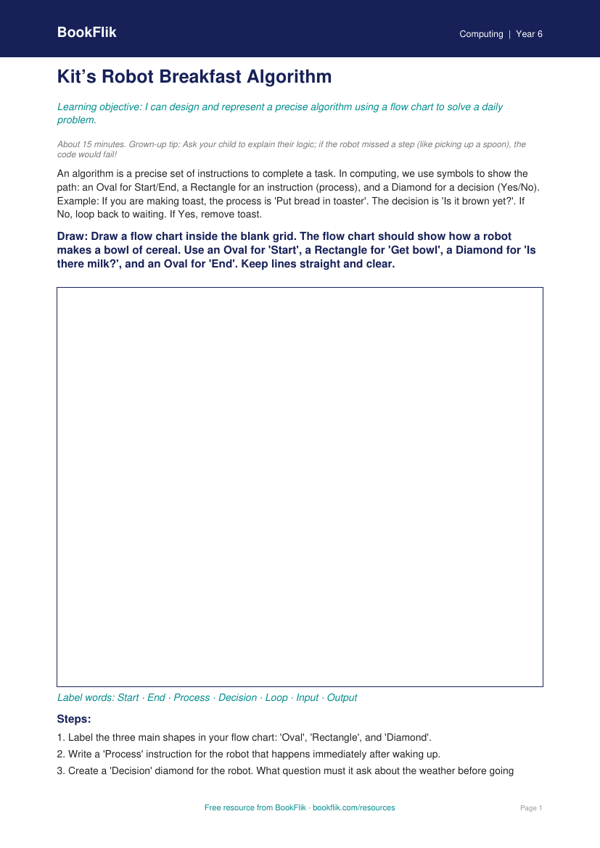
Boost your primary computing lessons with our engaging and educational resource. Our Computing algorithms drawing sheet year 6 core is designed to help children master the fundamentals of computational thinking. By visualising logical steps through drawing, students bridge the gap between abstract code and real-world processes. This resource is perfect for teachers planning their termly IT curriculum or parents supporting home learning in a UK school setting.
In this activity, pupils follow a series of instructions to create a specific illustration, effectively acting as the processor for their own written algorithm. This Computing algorithms drawing sheet year 6 core focuses on sequencing, debugging, and precision. It aligns perfectly with the UK National Curriculum, which requires Year 6 students to understand that algorithms are sets of instructions used to solve problems or complete tasks. Children will explore how small errors in a sequence can change the final result, teaching them the importance of clear, logical structure in programming.
The resource is carefully crafted for learners working at the expected standard. It provides a structured path for pupils to follow, ensuring they build confidence before tackling more complex coding challenges. Teachers can use this as a starter activity to introduce a lesson on Scratch or Python, while parents can use it to demonstrate how logic works away from a screen. Because it requires no technology, it is a fantastic way to teach core principles in any environment, from a classroom in Manchester to a kitchen table in a quiet village.
Using our Computing algorithms drawing sheet year 6 core ensures your learners develop the analytical skills required for secondary school. For those who finish quickly, we have included an extension task that asks them to write their own set of instructions for a partner to follow. Download this free printable today to help your class master the building blocks of modern technology with clarity and creativity.
How to use this drawing sheet
- Time: about 15 minutes
- At home: Ask your child to explain their logic; if the robot missed a step (like picking up a spoon), the code would fail!
- In the classroom: Encourage students to use a ruler for the connector lines to ensure the flow of the algorithm is easy to follow.
Preview the worksheet
If the preview does not load, open the PDF in a new tab.