
Free Earthquakes Activity Sheet | Year 4 Supported | BookFlik
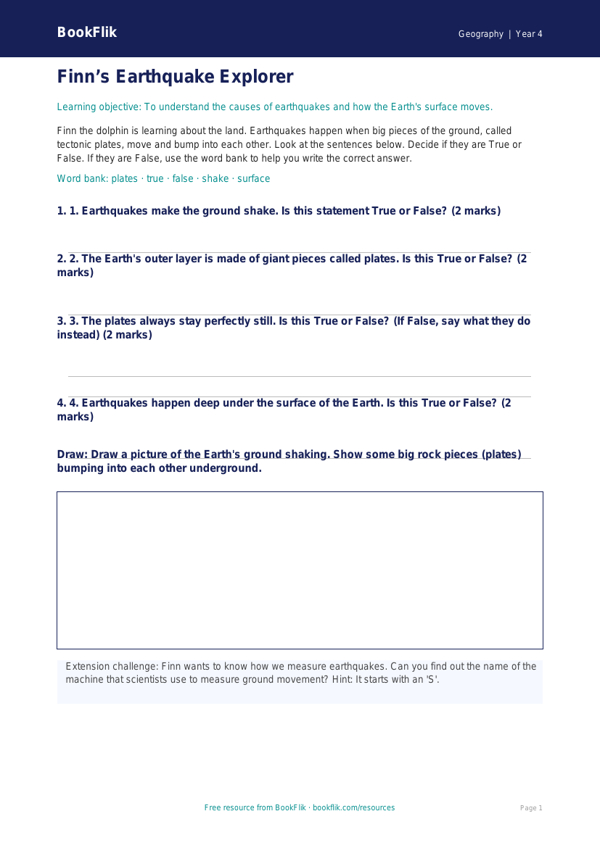
Help your pupils explore the ground beneath their feet with our Geography earthquakes activity sheet year 4 supported resource. Designed specifically for learners who benefit from extra scaffolding, this activity sheet makes complex geological processes accessible and engaging.
This resource supports the UK National Curriculum requirement for Year 4 Geography, which asks pupils to understand the causes and effects of earthquakes. Through the eyes of our friendly dolphin explorer, Finn, children will learn how the Earth’s crust is made of moving plates and discover what happens when these plates shift. By using clear, simple language and short, punchy sentences, we ensure that every child can grasp these big ideas without feeling overwhelmed.
Teachers can use this Geography earthquakes activity sheet year 4 supported resource during whole-class lessons or as a focused intervention activity for small groups. The sheet includes visual cues, sentence starters, and a helpful word bank to build confidence and encourage independent writing. With four short, structured questions and clear answer boxes, pupils can focus on key vocabulary and foundational concepts. This Geography earthquakes activity sheet year 4 supported pack is perfect for teachers who want to differentiate their lessons effectively, ensuring that all children in the classroom can participate in the same learning journey.
Whether you are introducing the topic or reviewing key terms, this worksheet provides the perfect balance of fun and facts. Finn the dolphin makes the science of plate tectonics feel like an exciting underwater adventure, helping pupils to connect with the natural world. Download this free, high-quality resource today to bring the study of our ever-changing planet into your classroom. It is a fantastic tool to help pupils develop their geographical enquiry skills while supporting their individual learning needs.
Word Bank:
1. Earthquake
2. Plates
3. Ground
4. Tremble
5. Shake
Preview the worksheet
If the preview does not load, open the PDF in a new tab.