
Free Swimming Drawing Sheet | Year 4 Supported | BookFlik
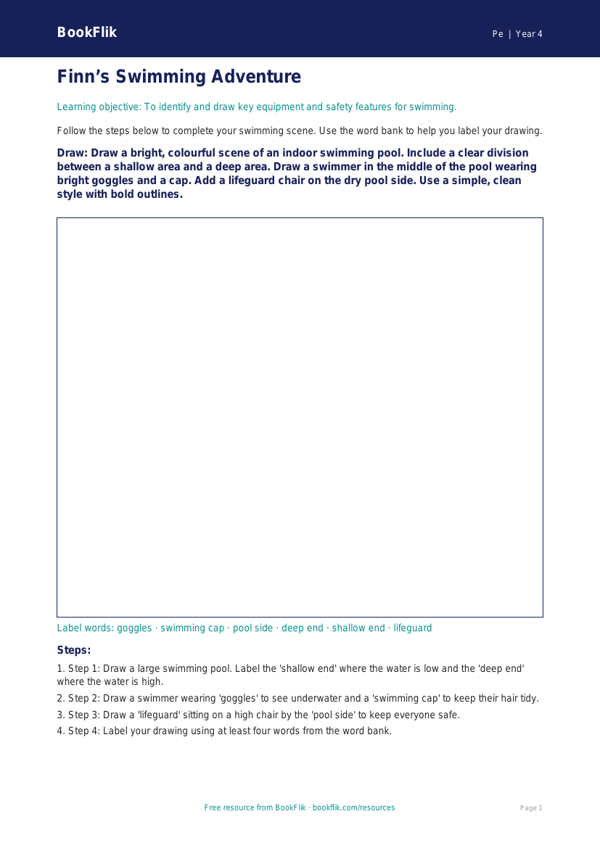
Boost your PE lessons with our inclusive Pe swimming drawing sheet year 4 supported resource. Designed specifically for pupils who require extra scaffolding, this creative activity helps children engage with water safety and swimming strokes in a calm, visual way.
In Year 4, the UK National Curriculum states that pupils should be taught to swim competently, confidently, and proficiently for at least 25 metres. This Pe swimming drawing sheet year 4 supported resource serves as a perfect classroom companion to pool sessions. It encourages children to identify key pieces of equipment, such as goggles and floats, while practising the movements of different strokes like front crawl or breaststroke through simple illustrations.
This resource is ideal for teachers working with learners who benefit from smaller tasks and clear visual prompts. Each section of the sheet includes sentence starters to help children describe their favourite swimming activities. By using this Pe swimming drawing sheet year 4 supported tool, you can help children build confidence in their own abilities while reinforcing the importance of pool rules and safety.
The sheet is structured with clear, spacious answer frames and simple instructions to reduce cognitive load, making it an excellent choice for SEN or emerging learners. Teachers can use this as a post-lesson reflection activity to check understanding of basic swimming concepts without the pressure of complex writing tasks.
Included is a helpful word bank at the bottom of the page, featuring vocabulary such as goggles, float, stroke, and safety. By combining art and physical education, this resource ensures that every child in your class can participate meaningfully in the curriculum. Download this accessible activity today to support your students as they develop their aquatic skills and celebrate their progress in the water. It is a fantastic, low-stress way to track learning and keep pupils motivated throughout the swimming term.
Preview the worksheet
If the preview does not load, open the PDF in a new tab.