
Free E Safety Word Mat for Grade 3 Students | BookFlik
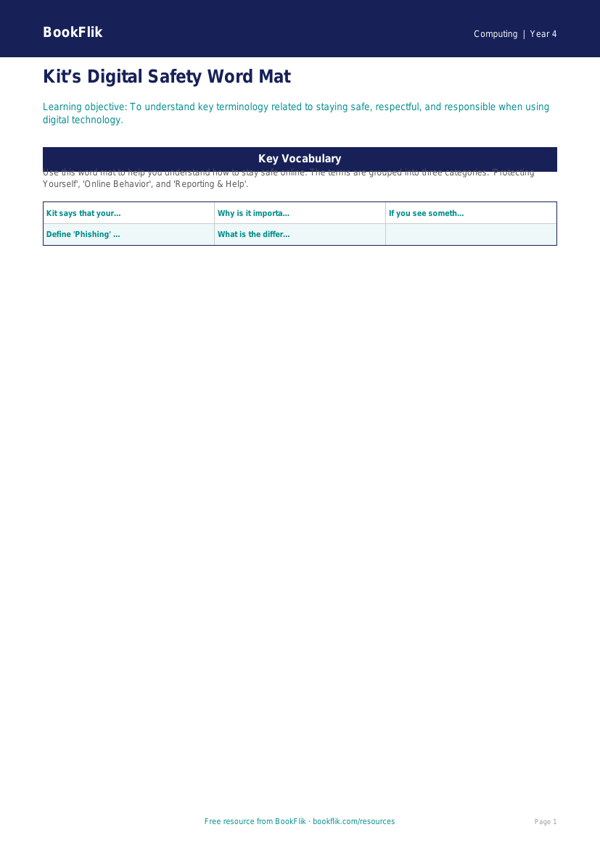
Boost your classroom’s digital literacy with our comprehensive Computing e safety word mat year 4 core resource. Designed specifically for the Common Core State Standards, this essential classroom tool helps pupils navigate the digital world with confidence, responsibility, and care.
In Grade 3, children are beginning to use the internet more independently for research and communication. Our Computing e safety word mat year 4 core provides a clear, visual glossary of vital terminology, including concepts such as private information, digital footprints, cyberbullying, and reliable sources. By displaying these key terms, you provide a constant reference point that supports pupils as they develop their understanding of how to stay safe, respectful, and secure online.
Our character Kit the fox features on this mat, offering clever tips on how to identify secure websites and what steps to take if something online makes them feel uncomfortable. This resource is perfectly aligned with the Common Core State Standards requirement for pupils to use technology safely, respectfully, and responsibly. It is an ideal companion for lessons on password security, the importance of privacy settings, and how to verify information found on the web.
Teachers can use this Computing e safety word mat year 4 core during whole-class discussions, as a desktop reference during computing lessons, or as a prompt for creative writing tasks about digital citizenship. The mat is designed at the expected standard for Grade 3, ensuring the vocabulary is challenging yet accessible for all learners.
The resource includes a handy quiz section with 5-7 questions to test understanding:
1. What is a digital footprint?
2. Why should you never share your password?
3. What should you do if you see something upsetting online?
4. How can you tell if a website is trustworthy?
5. Why is it important to be kind when messaging others?
Download this free, high-quality resource today to help your class become responsible digital explorers.
Preview the worksheet
If the preview does not load, open the PDF in a new tab.